Blog
My Real Three-Computer AI Workstation
Two PCs, a laptop, and a phone meant to reach all three - why a deliberate workspace is what makes efficient work possible.
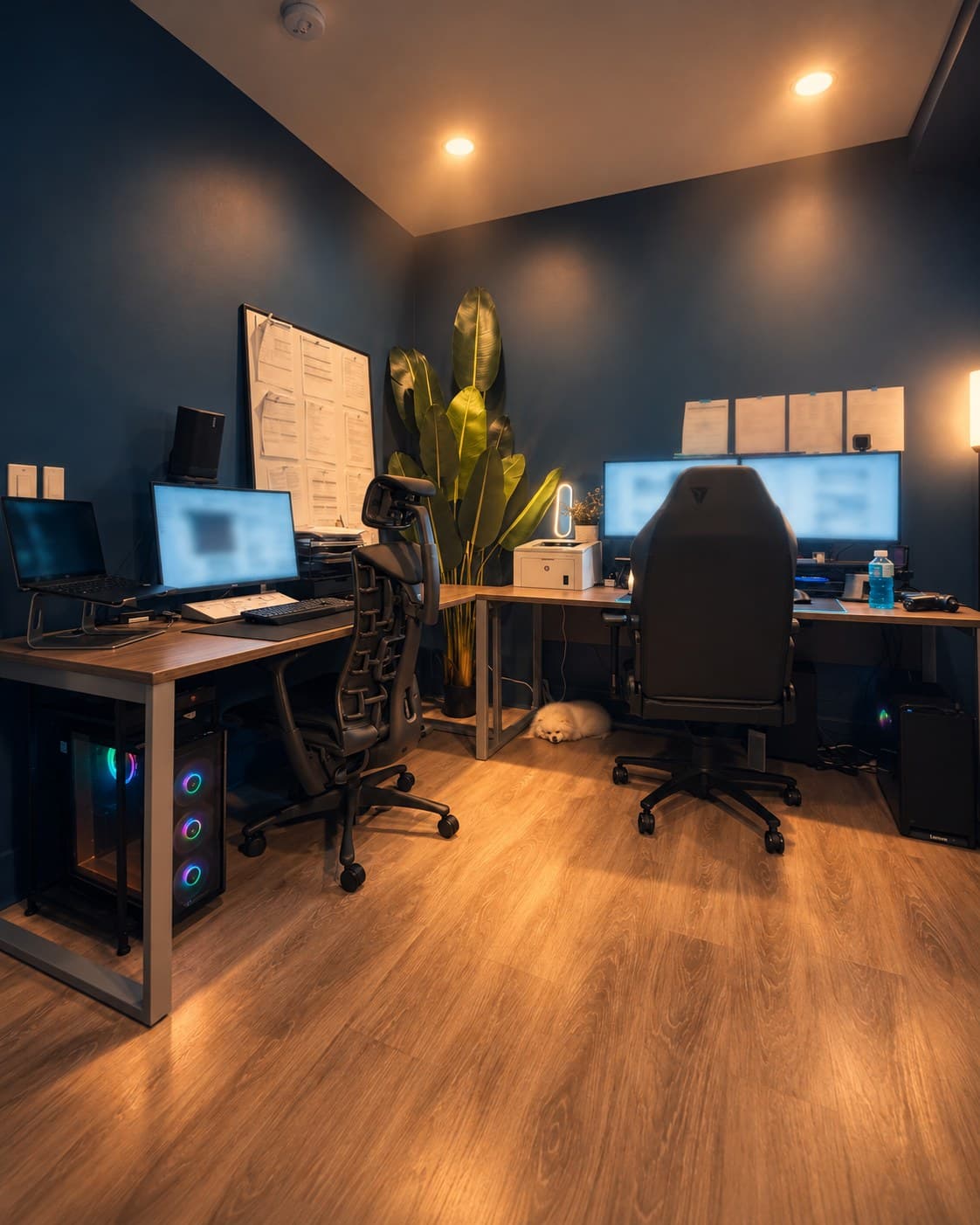
My Real Three-Computer AI Workstation
This is the room where I work: two PCs, a laptop, and a phone meant to reach all three. I built it on a simple belief: a deliberate workspace is what makes efficient work possible. Here is what each machine does, and why the room is arranged the way it is.
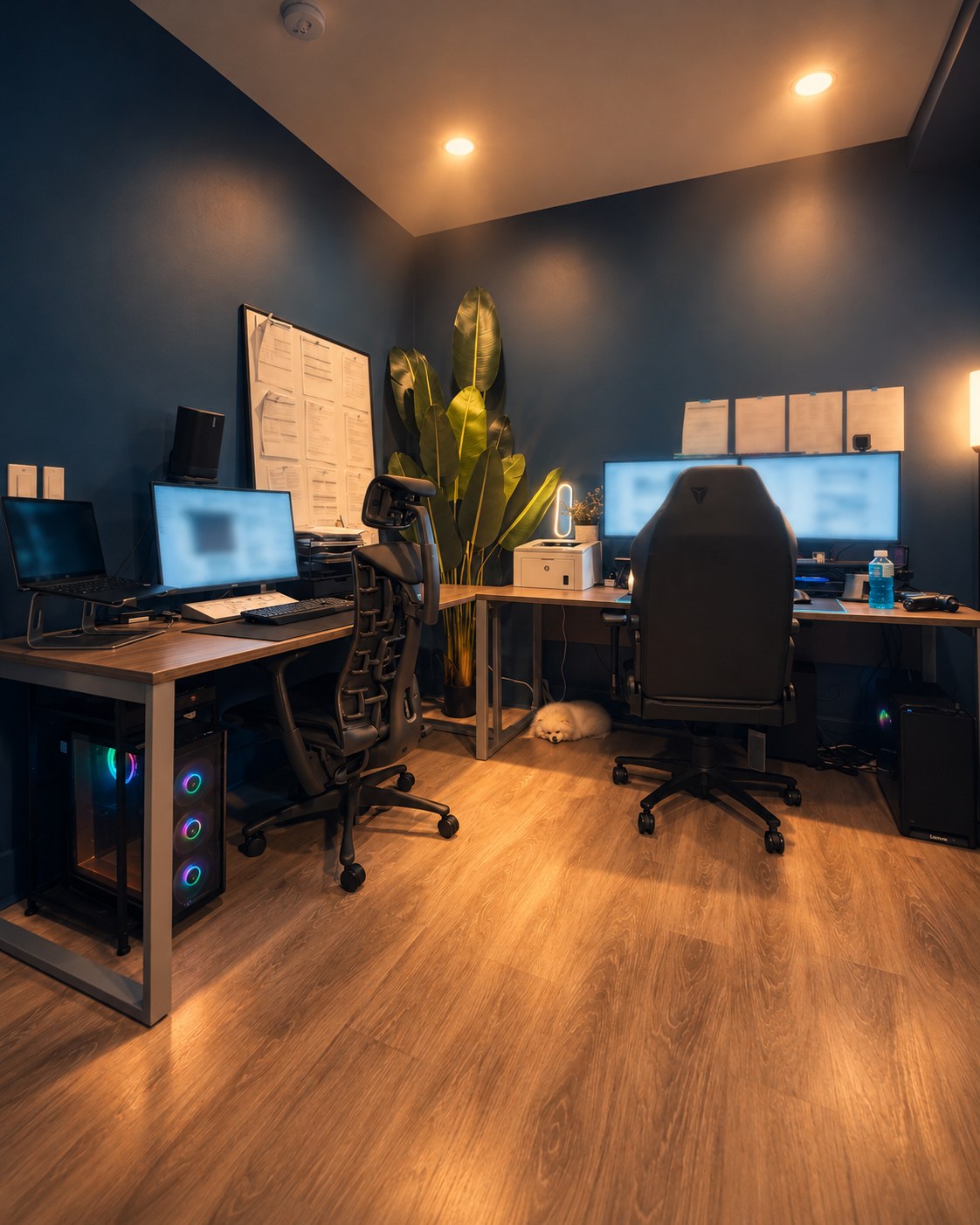
A cinematic render based on the real photo below. The room is real; the mood is the extra 10 percent.
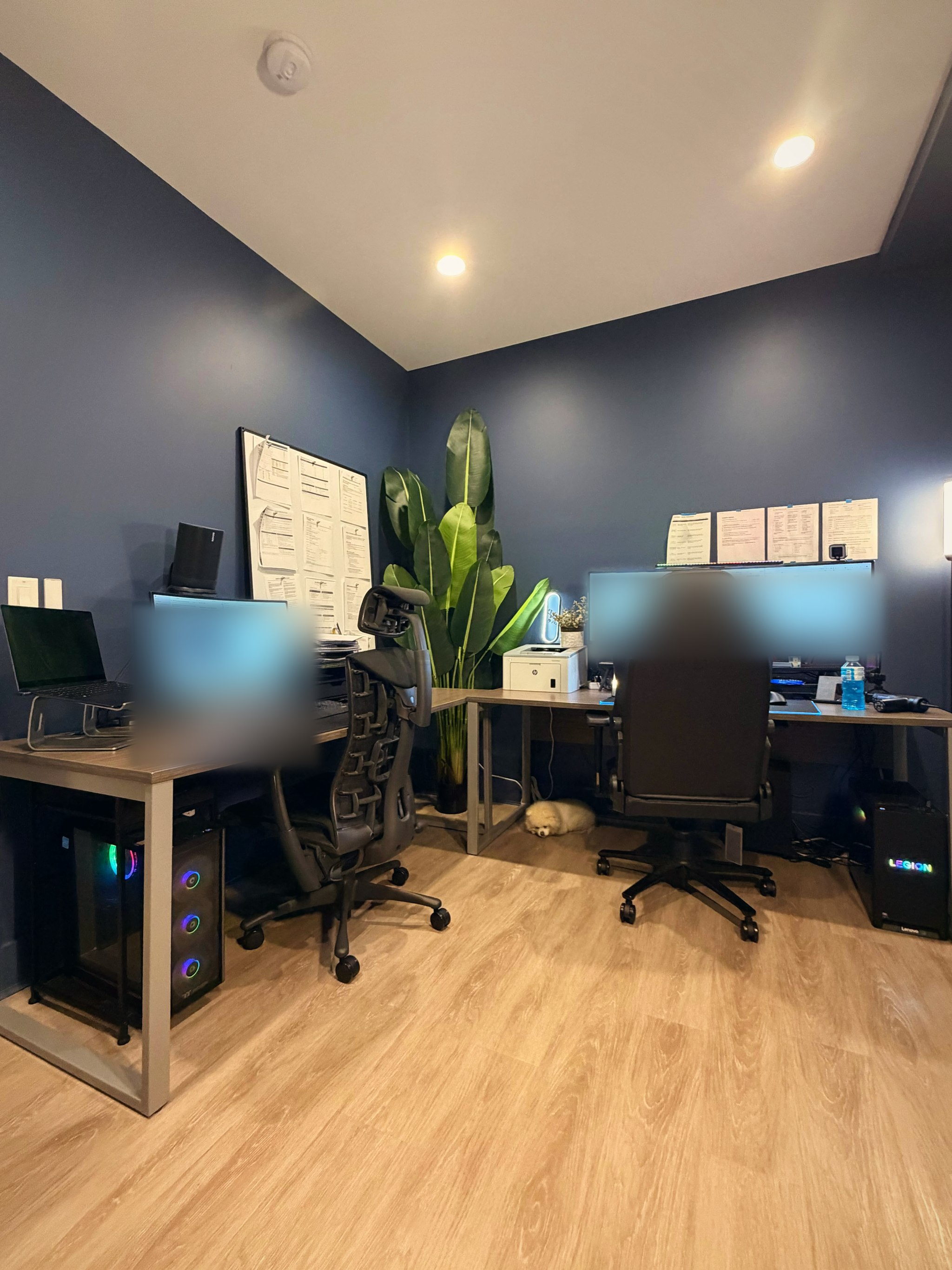
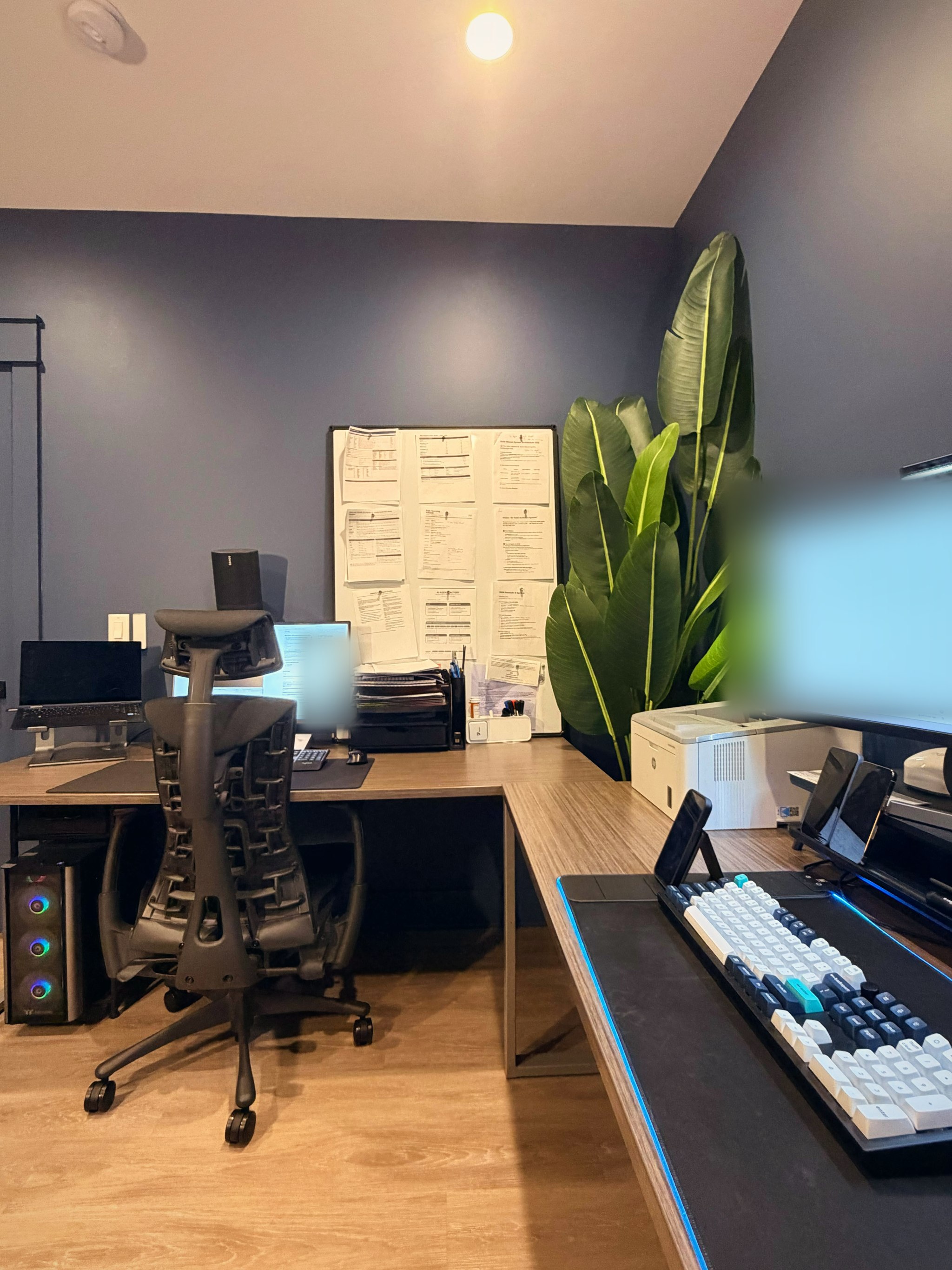
The real shot, color graded only. Screens are blurred on purpose.
The room
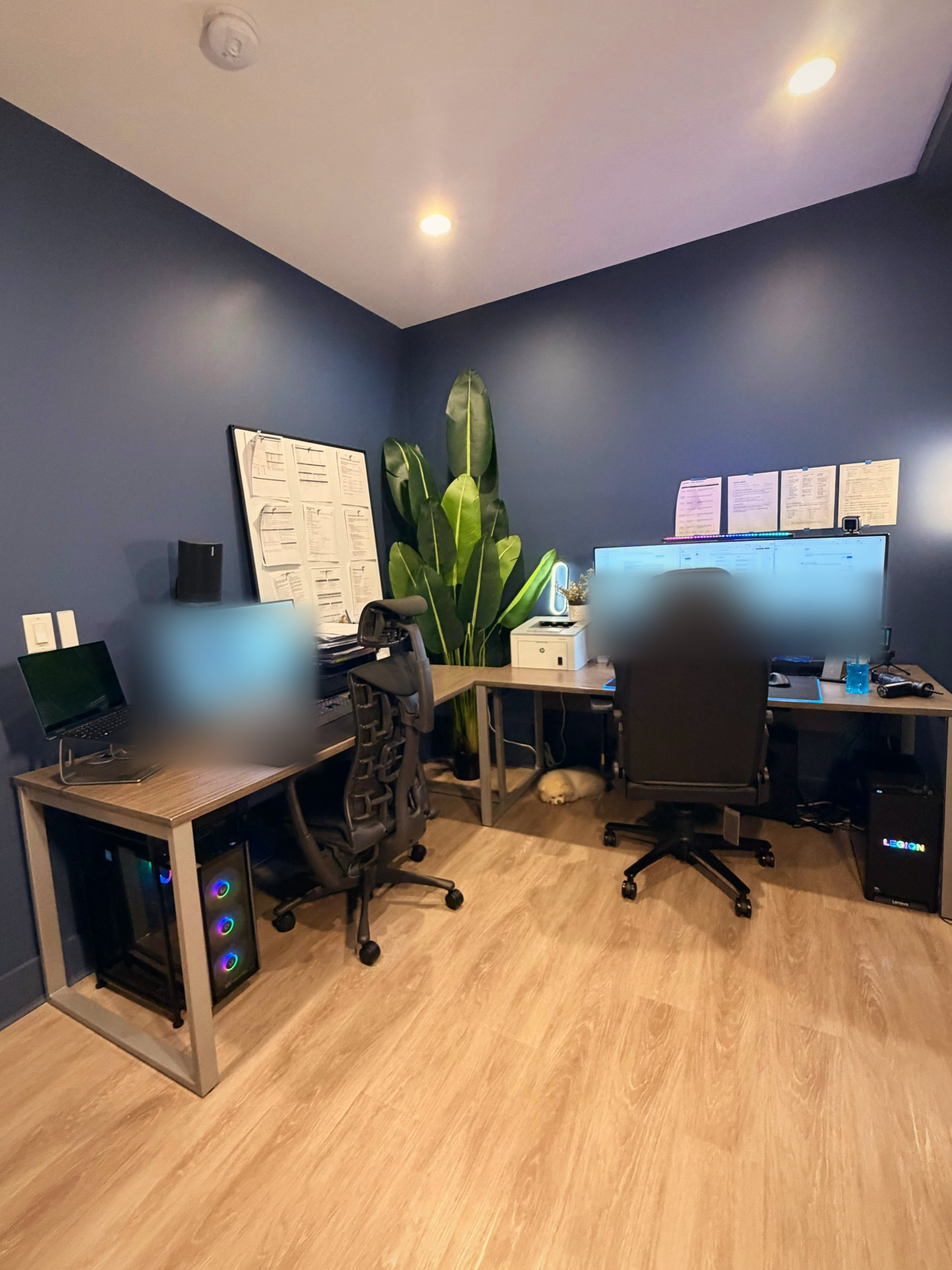
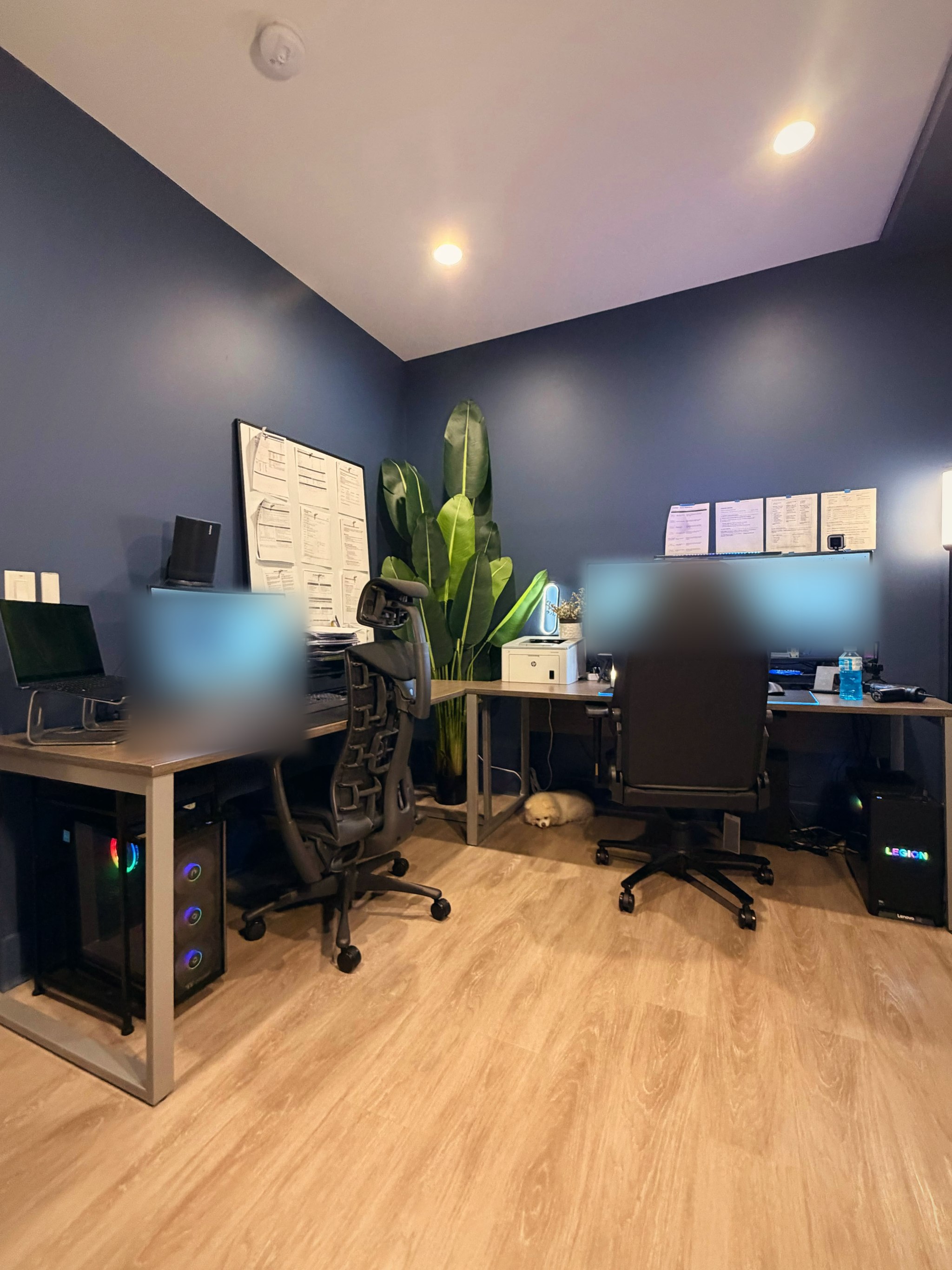
Navy walls, one L-shaped desk, a plant that outgrew its corner, and a small dog who sleeps through all of it. Two chairs, because the two machines do different kinds of work. Every part of the room has a job. When the space is decided in advance, sitting down means starting work.
The main PC: hands-on
The dual-monitor wing is where I sit. Reviews, decisions, heavier builds, anything that needs my eyes. If a job needs judgment, it happens at this desk. Keeping the thinking work on one machine means I always know where my attention belongs.
The AI PC: meant to stay on
The single-monitor wing is the AI PC, the machine reserved for agent work. The plan for it: run agents around the clock on free and local models, taking the queued research, drafts and monitoring off my plate, the boring work that still needs doing at 3am.
The reason for a second machine is focus. Agent work runs on its own hardware, so the machine in front of me stays for work that needs me, and background work gets its own home instead of my attention.
The honest part: 20x output with 24/7 coverage is the goal, not a measured result. When there are real numbers, they will get their own post.
The laptop
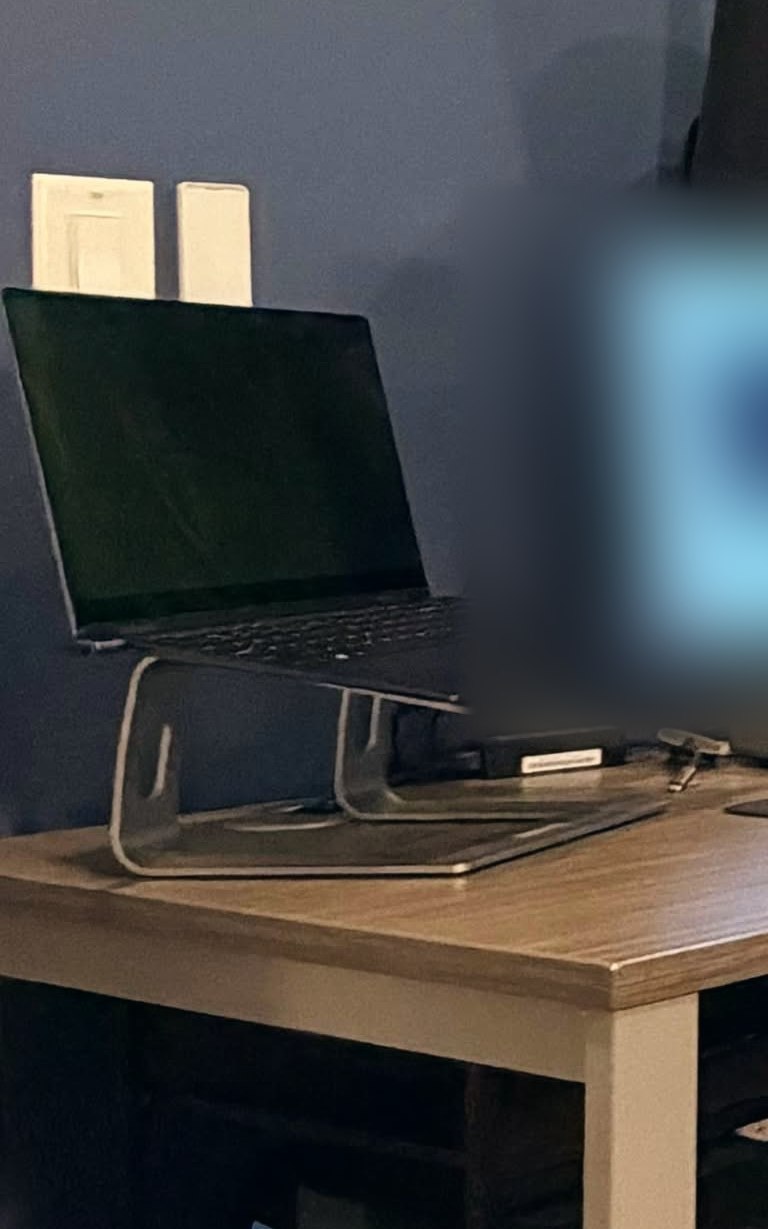
The laptop on the side is the lightweight machine in the plan. Its stack is two browsers: Aside, an AI browser built to do real work for me, and ego(lite), an agent browser that Claude can drive.
One network, built for my phone
The architecture tying the room together is one Tailscale network. The design puts the three PCs and the phone on one private tailnet, where every device gets its own address and nothing is exposed to the public internet, no ports forwarded. Access stays restricted to devices approved on the tailnet.
Control sits on top of that network: a remote desktop app on the phone can reach any of the three PCs to check a job, kick off a queue, or take over a screen. On Windows hosts the usual route is RDP, which needs a Windows Pro edition on the host with Remote Desktop turned on.
That is the point of the whole setup. The room looks like two desks, but it behaves like one small company I can carry in my pocket.
Photos by me. Real photos are color graded only, with screens blurred for privacy. The hero image is a cinematic render based on the first photo.