Blog
Canva Brush Edits Your Whole Design From One Prompt
Canva launched Brush, a model that edits existing designs from plain-language requests. What it does, who gets it now, and where small operators should stay skeptical.
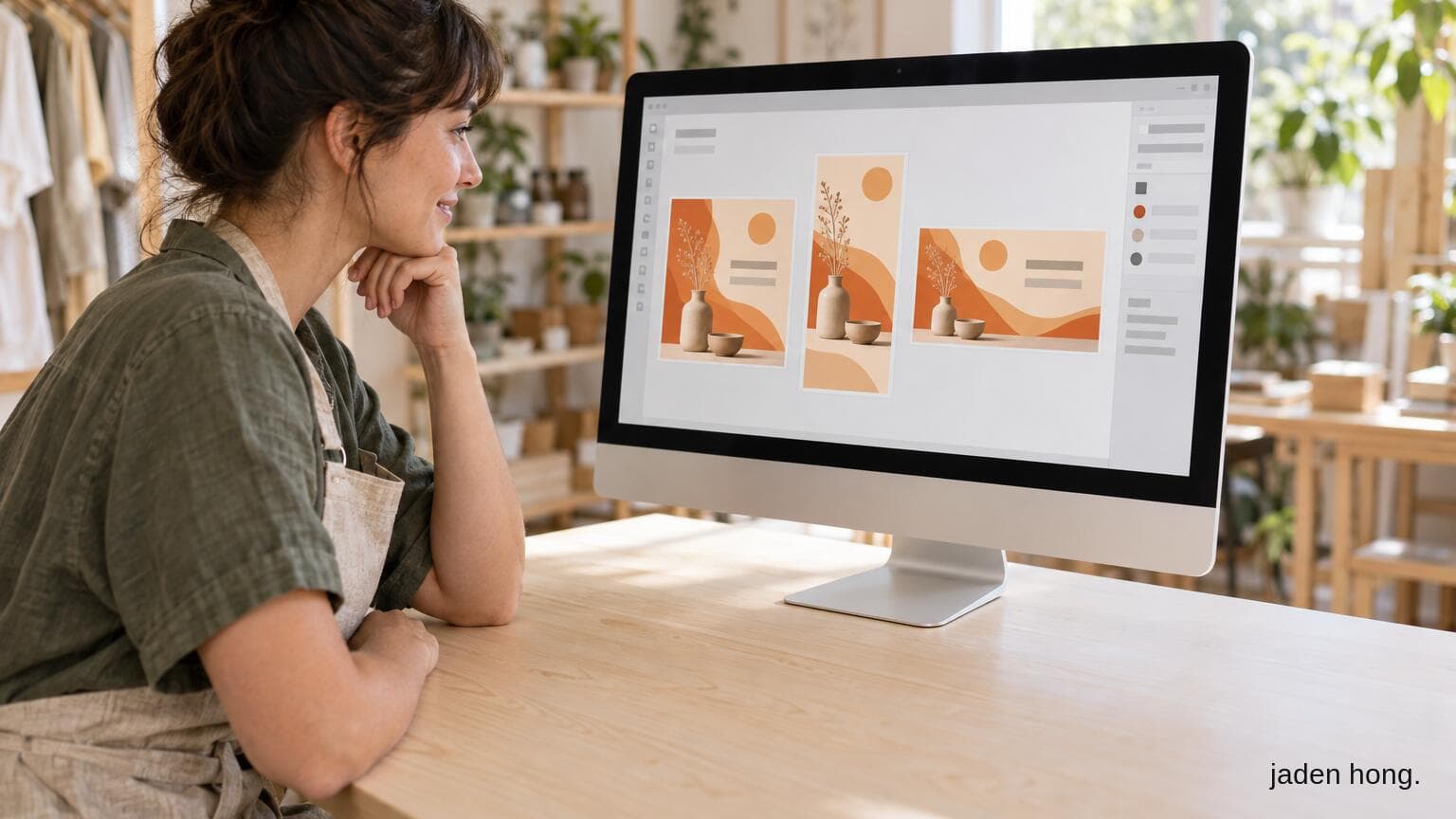
On October 29, Canva announced Brush, a new model built by its own research team to edit designs, not just generate them. You open a design, tell Canva AI what to change, and Brush makes the edit. That can be one line of copy or every slide in a deck.
What it actually does
Canva calls Brush a vision-language model for design. In plain terms, it looks at your design, works out how it is put together, and changes what you asked for while trying to leave the rest alone. That last part is the hard problem with AI editing: a simple request that quietly changes ten other things.
Canva says Brush works in a loop. It writes and runs code to adjust design elements, then inspects the page to decide its next step. Whatever it makes stays fully editable, so you can take over in the editor at any point.
Canva lists three ways to try it:
- Restyle an image or design. Change the color scheme, the weather in a photo, or the overall vibe.
- Change a multi-page design in one prompt. Update every header in a deck without scrolling page by page.
- Remix for another channel. Turn a presentation slide into an Instagram graphic.
Who gets it, and when
Brush is live today for Canva Pro subscribers, powering supported design edits inside Canva AI. Canva says wider availability is coming but has not given a date. To use it, open an existing design or attach one in Canva AI, then pick "Brush" from the dropdown so it handles your edits.
Canva also says the first version is limited. Brand Kit support, referencing attachments, and better handling of image-heavy layouts are all still on the roadmap. For a business with strict brand rules, the Brand Kit gap is the one to watch.
The numbers, and how to read them
Canva says Brush is up to 69% faster for general design editing tasks and 46% lower cost per edit than its previous design agent. It also says that in internal testing Brush matched or exceeded the quality of the old setup on most editing tasks, with strong results on restyling and adapting designs to new formats.
Those are Canva's own figures from its own tests, and "up to" does the heavy lifting in the speed claim. The cost number matters to Canva more than to you: it is about running the feature for hundreds of millions of people. Treat all of it as a vendor claim until you have run your own edits.
Canva also notes Brush started from an open-weights model, then was trained further on design and editing tasks, including anonymized insights from people who opted in to help improve Canva AI.
What it means for operators (Jaden's take)
My read: the useful part here is editing, not generating. Most small-business design work is not a blank page. It is changing the price on a flyer, resizing a slide for Instagram, or updating the same line across twelve pages. A tool that does that from one sentence is a real time saver if it behaves.
Scenario, not fact: if Brush leaves untouched elements alone as promised, the weekly chore of re-cutting one promotion into five formats gets much shorter. If it drifts, you will spend the saved time checking its work. The only way to know is a test on a real design you care about.
If you are on Canva Pro, try it on something low-stakes first: one deck, one flyer. Check that fonts, colors, and spacing stayed put. If you are not on Pro, you do not need to rush. Canva says wider access is coming, and the Brand Kit support that most businesses need is not here yet.
Read next
Blog
AI Phone Agents for Restaurants: What They Cost Before the Holiday Rush
We compared four AI phone agents built for restaurants - Maple, Slang AI, Loman and Hostie - on price and fit, plus a simple formula to see if one pays for itself.

Blog
LegalZoom's Free AI Assistant Knows Your Actual Business
LegalZoom launched a free AI assistant that answers from your actual business record, not generic advice. What it does, what it costs, and where it fits for a small operator.
Blog
AI Beauty Tech: What's Real Now, What's Still in the Lab
AI beauty puts AI, machine learning and AR into the cosmetics business: skin analysis, marketing, product development and retail. The four areas that come up most, sorted by how real they are today.