Blog
Give Your Coding Agent Better Eyes
Claude Code can write the code and still miss what matters: your schema, the issue behind the task, the library version you installed, or what the page looks like when it runs. MCP is one way to close that gap. It is not a reason to install everything.

Claude Code can write the code and still be missing the thing that matters: your schema, the issue behind the task, the library version you actually installed, or what the page looks like when it runs. MCP is one way to close that gap. It is not a reason to install everything.
MCP means Model Context Protocol. Think of it as a connection between the coding agent and a service it can read or act on. These five servers cover different blind spots. The useful question is not which one has the most stars. It is what your next task needs the agent to see.
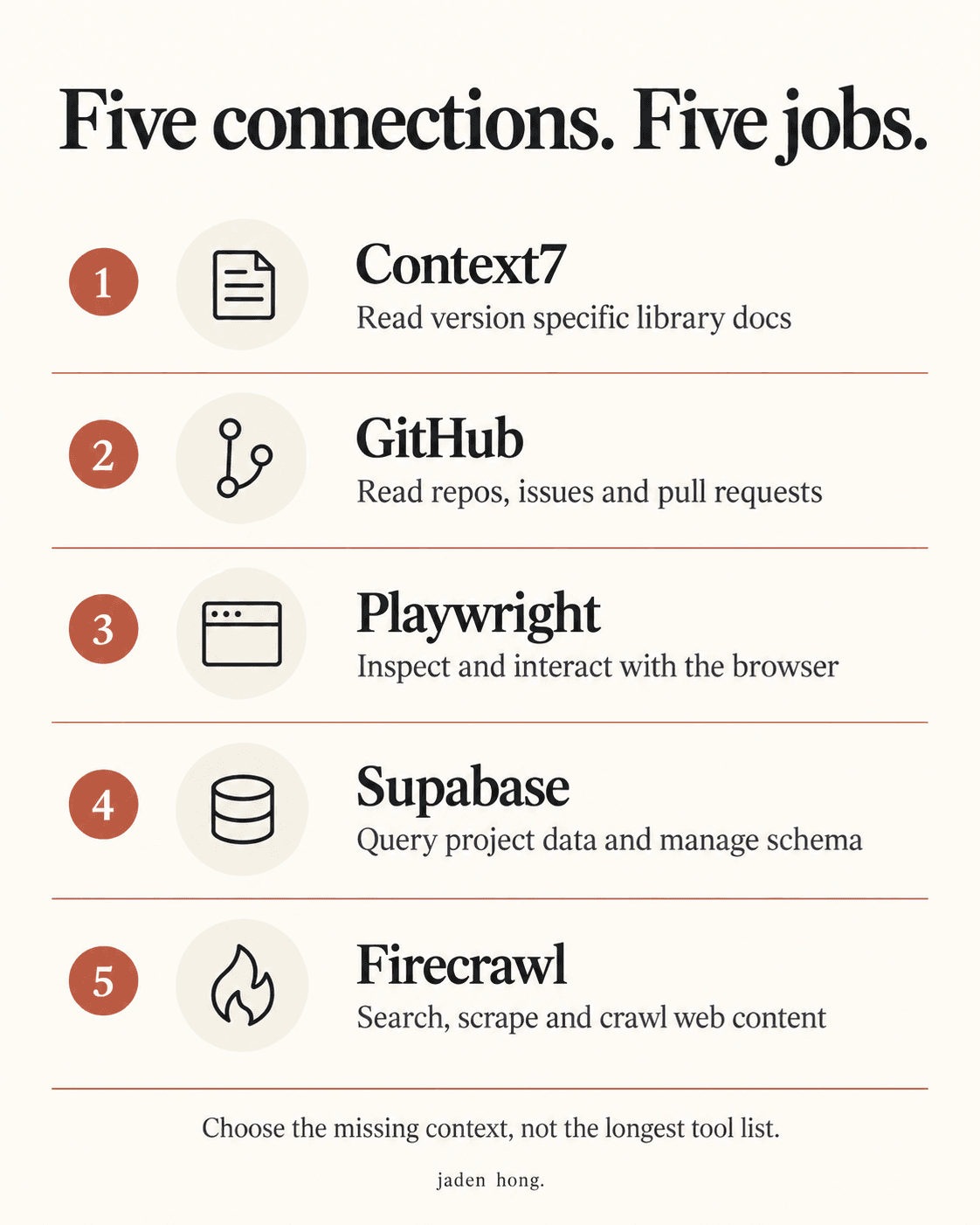
Context7: stop guessing the API
Context7 brings current, version specific library documentation and examples into the conversation. Tell it the library and the version, not just the feature you want. I would start here when the problem is an agent confidently writing code for the wrong API. Better documentation is better evidence, not a guarantee that the code is right.
GitHub: give the task its history
GitHub's official server can read repositories and manage issues and pull requests. That lets the agent work from the actual issue, discussion and code instead of a summary pasted into chat. For review work, use its read only mode and limit the tools you expose. Reading a PR and changing one are different permissions.
Playwright: check the thing that runs
Playwright MCP gives the agent a browser it can inspect and interact with through structured page snapshots. It can help connect code changes to what the app actually does. There is an important catch in Microsoft's own README: coding agents may be better served by Playwright CLI plus skills, which can use less context. MCP is an option, not a requirement.
Supabase: connect the database carefully
The Supabase server can query data and manage tables and other project resources. It is more than a migration checker, which is exactly why I would start with a development project, narrow the project scope and use read only access when the task allows it. A tool that can apply a migration does not make that migration safe. Review the SQL before a write.
Firecrawl: turn web pages into material
Firecrawl can search, scrape and crawl web content into Markdown or structured data. That is useful when the task needs reference pages rather than another guess from memory. It is not a promise to get behind every login. Its hosted keyless tier is limited; expanded tools and usage can need authentication and credits. Check the current setup and limits before connecting it.
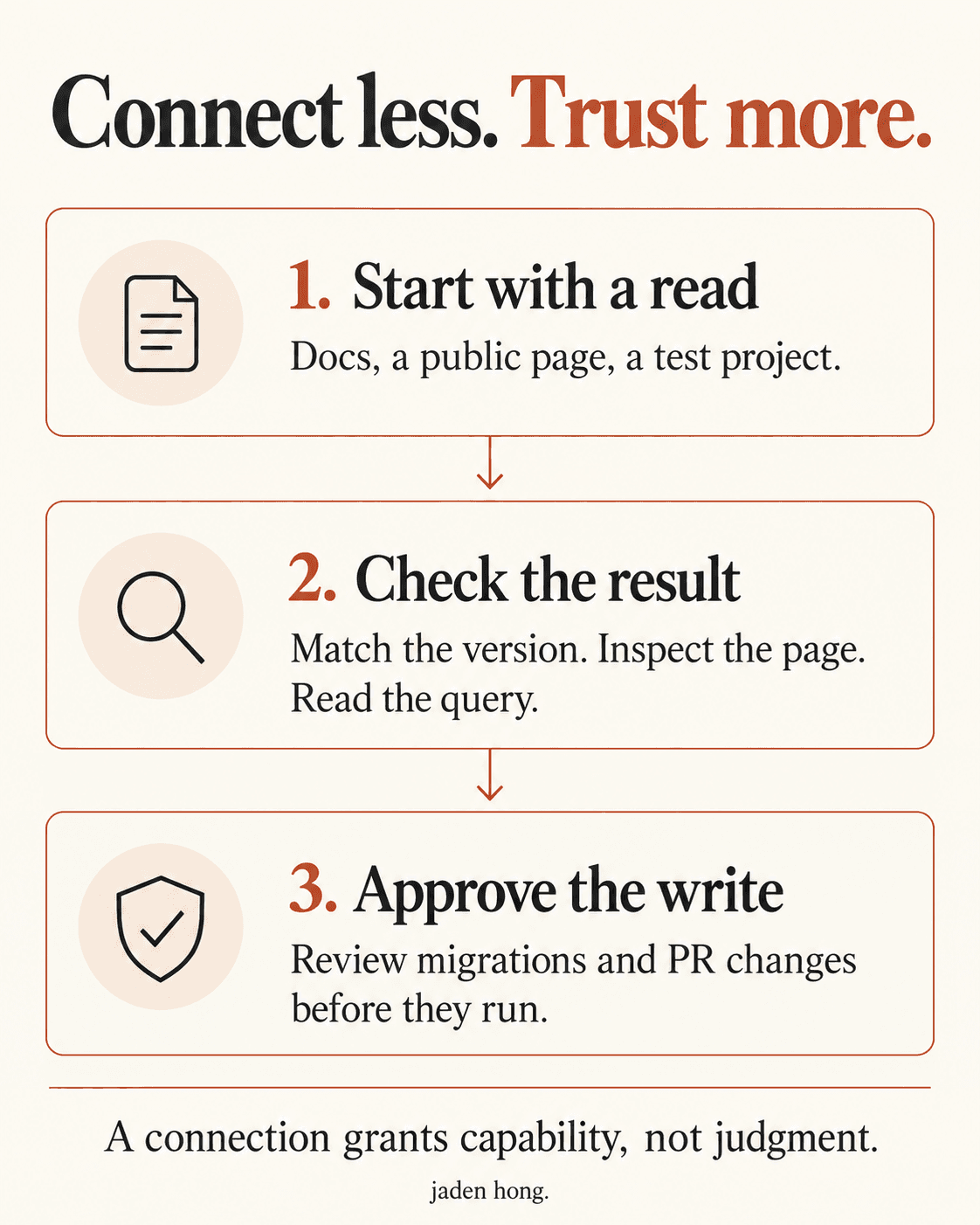
What I am watching (Jaden's take)
I would not install all five on day one. Pick the task first. If the agent lacks library context, connect docs. If it lacks project history, connect GitHub. If the uncertainty is in the running app, give it a browser. Add database or web access when the work actually needs it.
The measure I care about is how much checking a person still has to do after the agent says it is finished. More connections can give it better evidence. They can also give a mistake a bigger reach. Start with a read, check the result, then decide whether the write belongs in its hands.
Read next

Blog
Your Mac Just Hired an AI Employee
Gemini can now use apps, files and websites on your Mac, working in a background window while you keep your screen. What that changes for people who run businesses on AI.

Blog
The Biggest IPO Ever Is an AI Company
Anthropic raised $81.3 billion at $83 a share, the largest market debut on record. What it changes for people who build on Claude.

Blog
Did Your Agent Actually Finish?
OpenAI's new GPT-6.2 models score higher and cost less. The system card admits they sometimes stay silent about what blocked them.