Blog
Your Mac Just Hired an AI Employee
Gemini can now use apps, files and websites on your Mac, working in a background window while you keep your screen. What that changes for people who run businesses on AI.
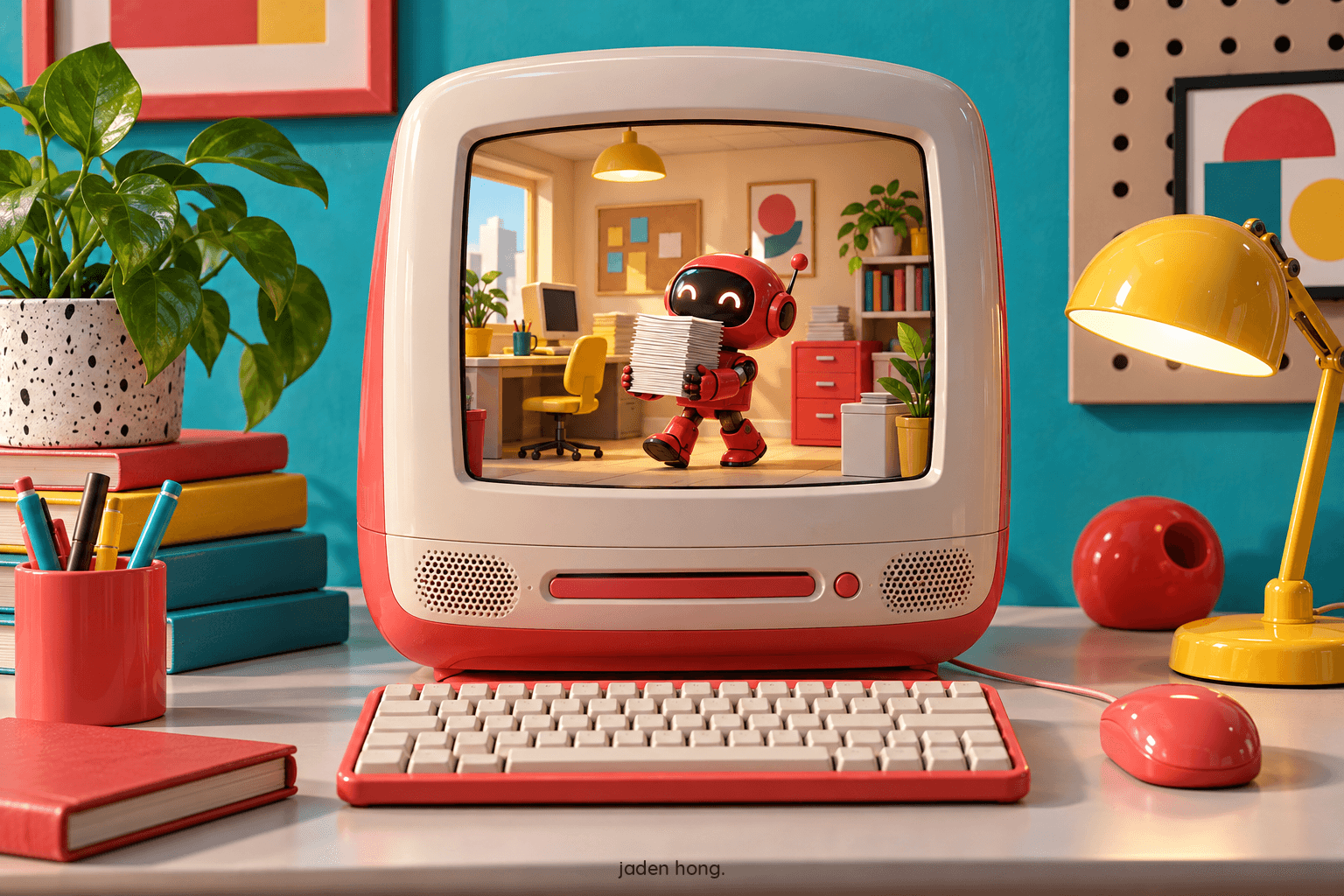
Yesterday Google gave Gemini the keys to the Mac. The app can now use your programs, files and browser to finish real work in a background window, while you keep your screen and your cursor. The chatbot era on the desktop is ending. The coworker era just started.
What actually changed
Until now, AI on your computer lived in a chat tab. You asked, it answered, and you did the clicking. Gemini's Computer Use flips that. It sees the screen, clicks, types, scrolls and navigates apps and websites on its own, inside an isolated window with a live preview in the chat. You pick which apps it may touch, and it asks before key actions.
 The shape of the feature: your screen stays yours.
What it is for
Google's own examples are deliberately boring, and that is the point. List a folder of clothes on a resale site: photos, price research, staged listings and all. Fill out local PDF forms like shipping declarations. Turn a pencil sketch into a 3D model. This is not the demo trick of a model writing a poem. It is the Tuesday afternoon work nobody wants to do.
 Deliberately boring work, and that is the point.
The trust question
The first reaction online was not excitement. It was "not on my Mac." Fair. Apple is about to make the stakes explicit: the next macOS will warn people when apps get broad access and will show a clear indicator when one program controls another. The companies know the real product here is not capability. It is permission. Whoever makes trust feel boring wins the desktop.
Jaden's take
I run agents every day, so I recognize the pattern. The model is rarely the hard part. The hard part is the handoff: writing the job clearly, scoping what it may touch, and checking the work. Google's version has the right shape. Narrow access, a preview you can watch, and approval before key actions. That approval step is not friction. It is the whole design.
My advice: start with work you can verify at a glance. Listings, forms, file cleanup. Let it earn wider access the same way a new hire does. Trust on the desktop is not granted. It is promoted.
Read next
Blog
Gemini 4 Hydrogen: The Agent Math
Google released Gemini 4 Hydrogen, the fast tier of the Gemini 4 family, everywhere at once and kept the price of speed. The bet: for agent work, businesses pay for reliability, not tokens.

Blog
The Biggest IPO Ever Is an AI Company
Anthropic raised $81.3 billion at $83 a share, the largest market debut on record. What it changes for people who build on Claude.
Blog
Did Your Agent Actually Finish?
OpenAI's new GPT-6.2 models score higher and cost less. The system card admits they sometimes stay silent about what blocked them.