Blog
One dashboard, nine projects: 54 roles configured, workers offline
I am building a private command center that runs my nine projects from one screen, with 54 agent roles configured across the teams and a CEO bot in testing on top. Here is the honest picture of where it stands.
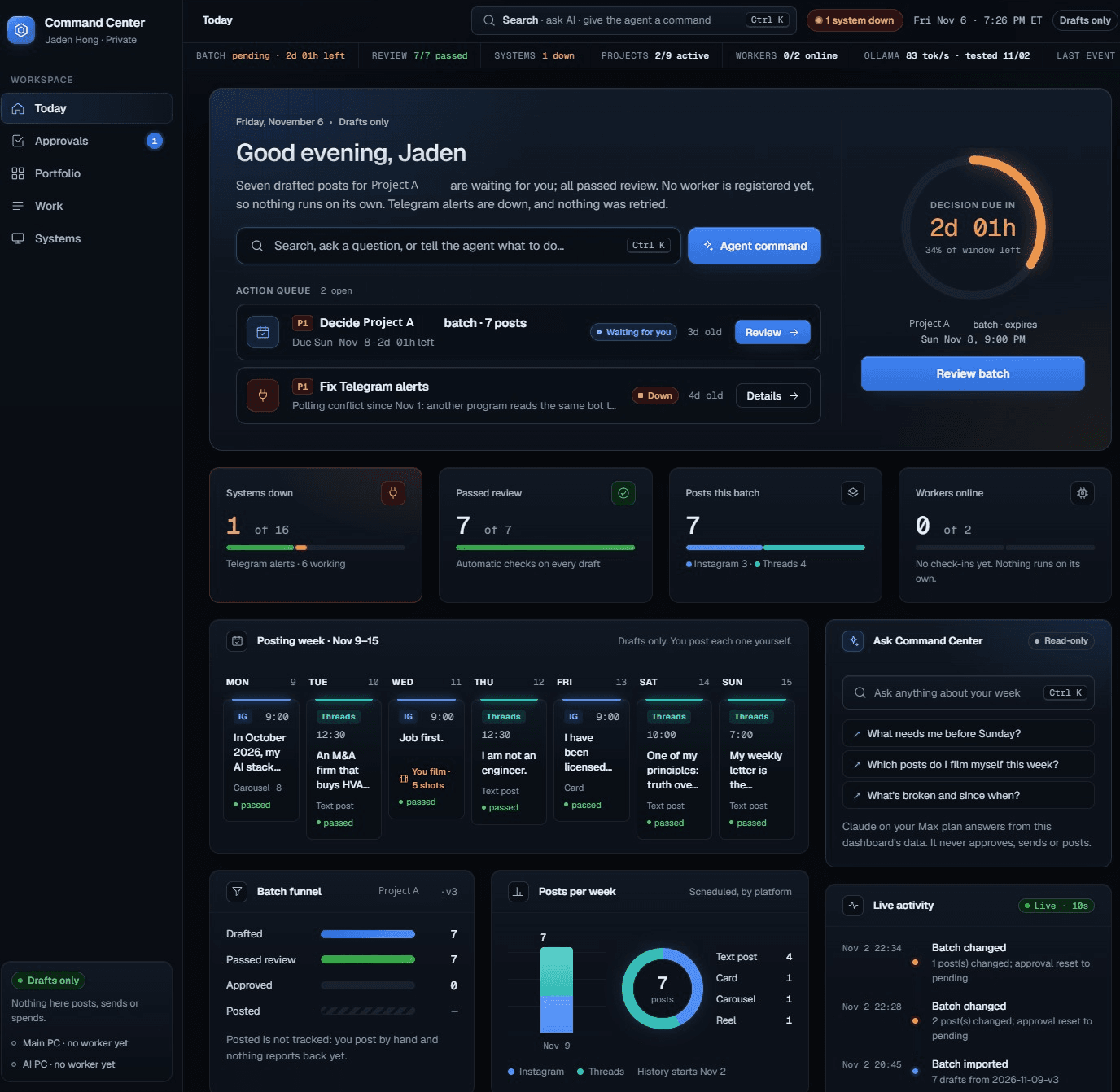
The real screen
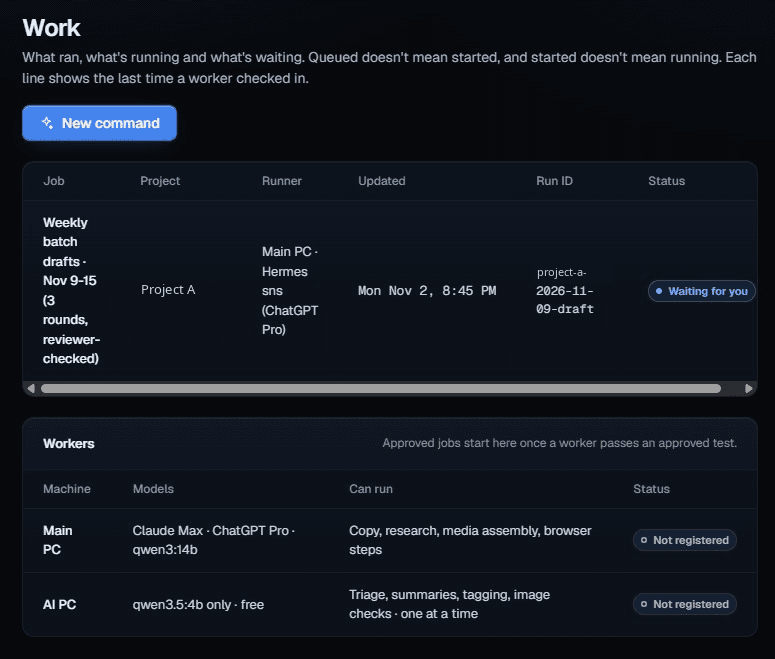
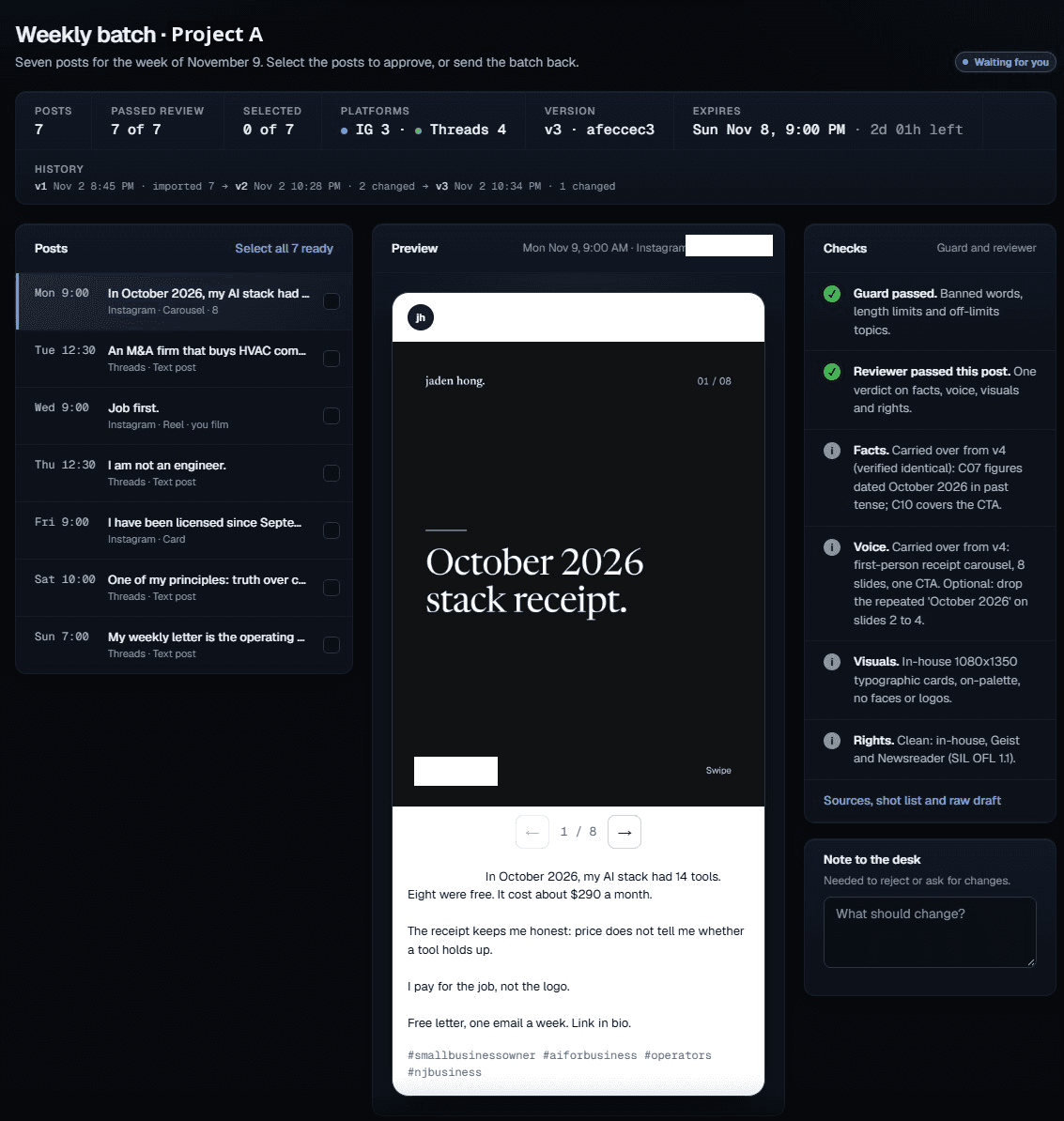
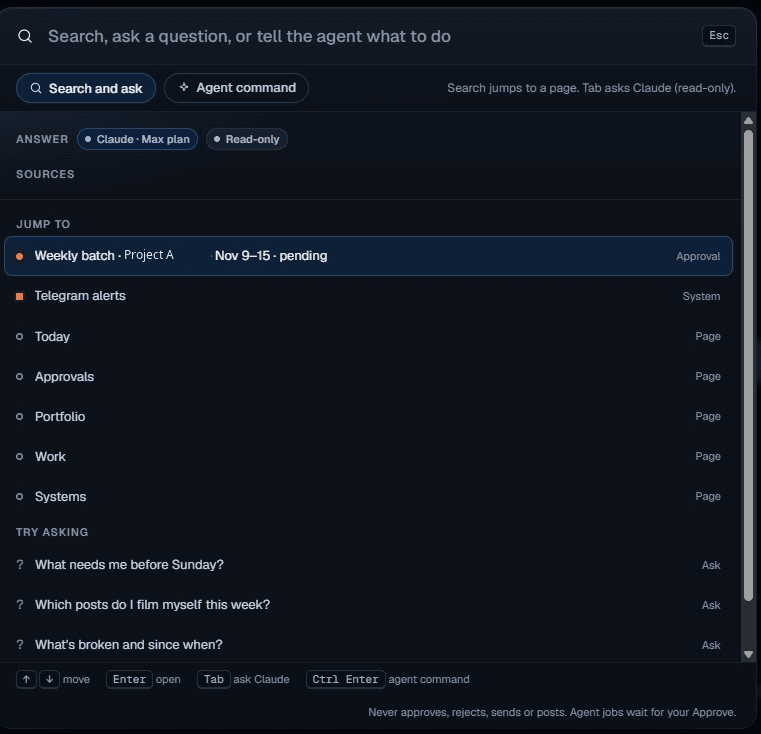
Friday night, November 6. Seven posts for Project A drafted and reviewed, waiting for my approval. The Work page says it plainly: approved jobs only start once a worker passes a test, and neither worker is registered yet. Nothing here posts, sends or spends on its own.
This is the actual dashboard, not a mockup. The status line says two of nine projects are active and the workers are still offline. I am sharing it because this is what the early days of a system like this really look like.
The setup
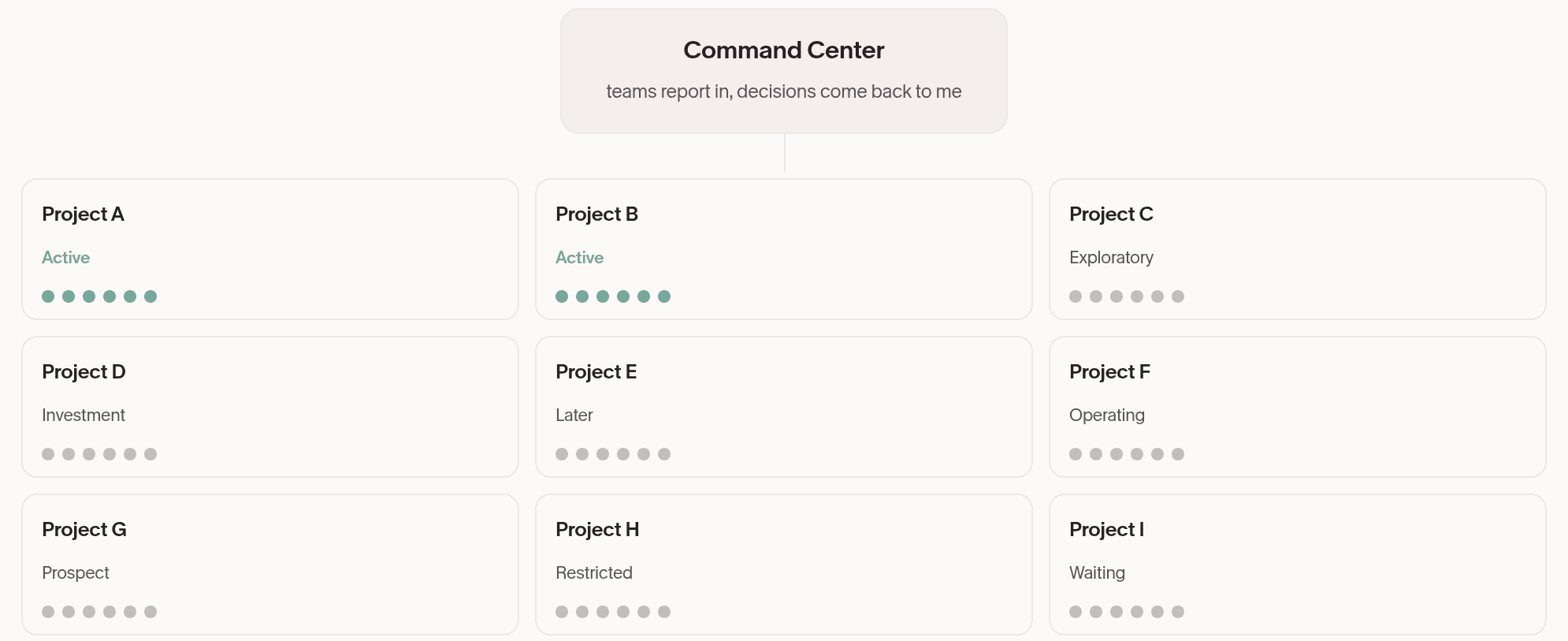
Six agent roles per project. Nine teams of six is 54 agent roles configured, all reporting into one screen. Two projects are active today, both run through Hermes. The other seven sit at earlier stages, from exploratory to waiting.
Each project is designed around its own team of six bots, and every team reports into the same screen. The idea is that I run nine projects at once without holding nine inboxes.
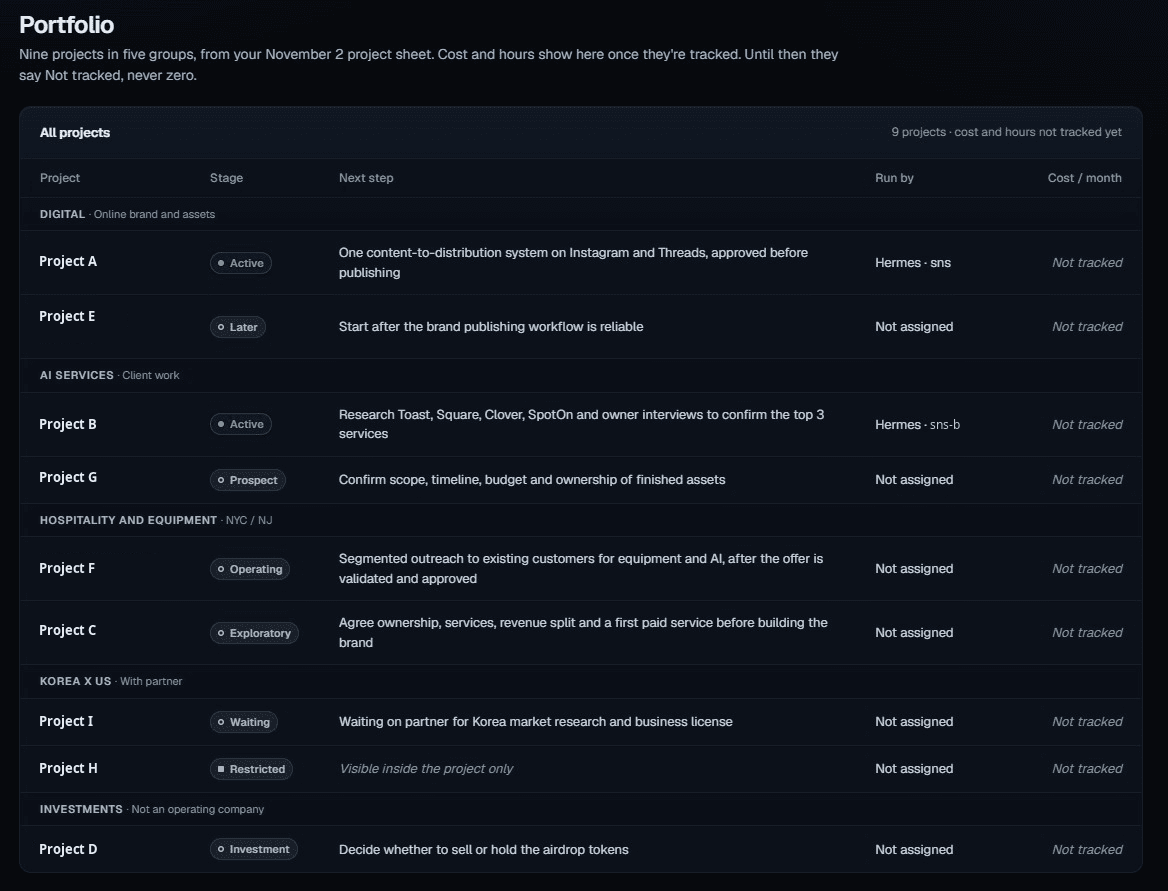
Every project with its stage, from active to waiting. Two are active this week.
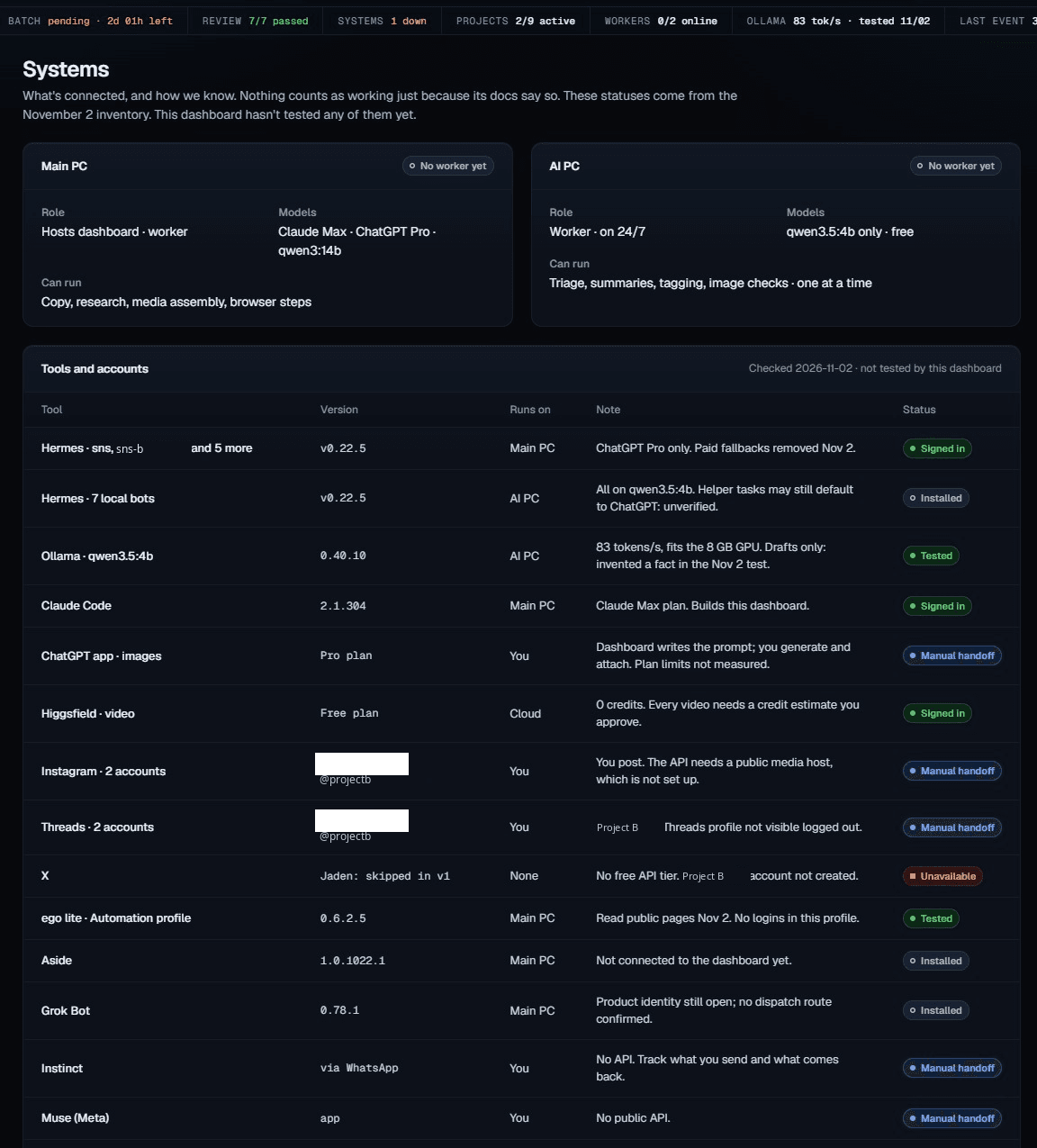
Two computers run it. The main PC hosts the dashboard. The AI PC is meant to be the always on worker, and it is not registered yet, so jobs still wait for me. Below, the tools and accounts it depends on and what state each one is really in.
How a week runs
- This week the agents drafted seven posts for Project A.
- All seven passed the automatic review.
- The batch is now waiting for my approval.
- Nothing publishes on its own. Drafts only.
That is the intended loop for every project: the team prepares, review runs, and the decision comes back to me. Today one project has real output in that loop. The rest are at earlier stages.
Talk to the CEO bot
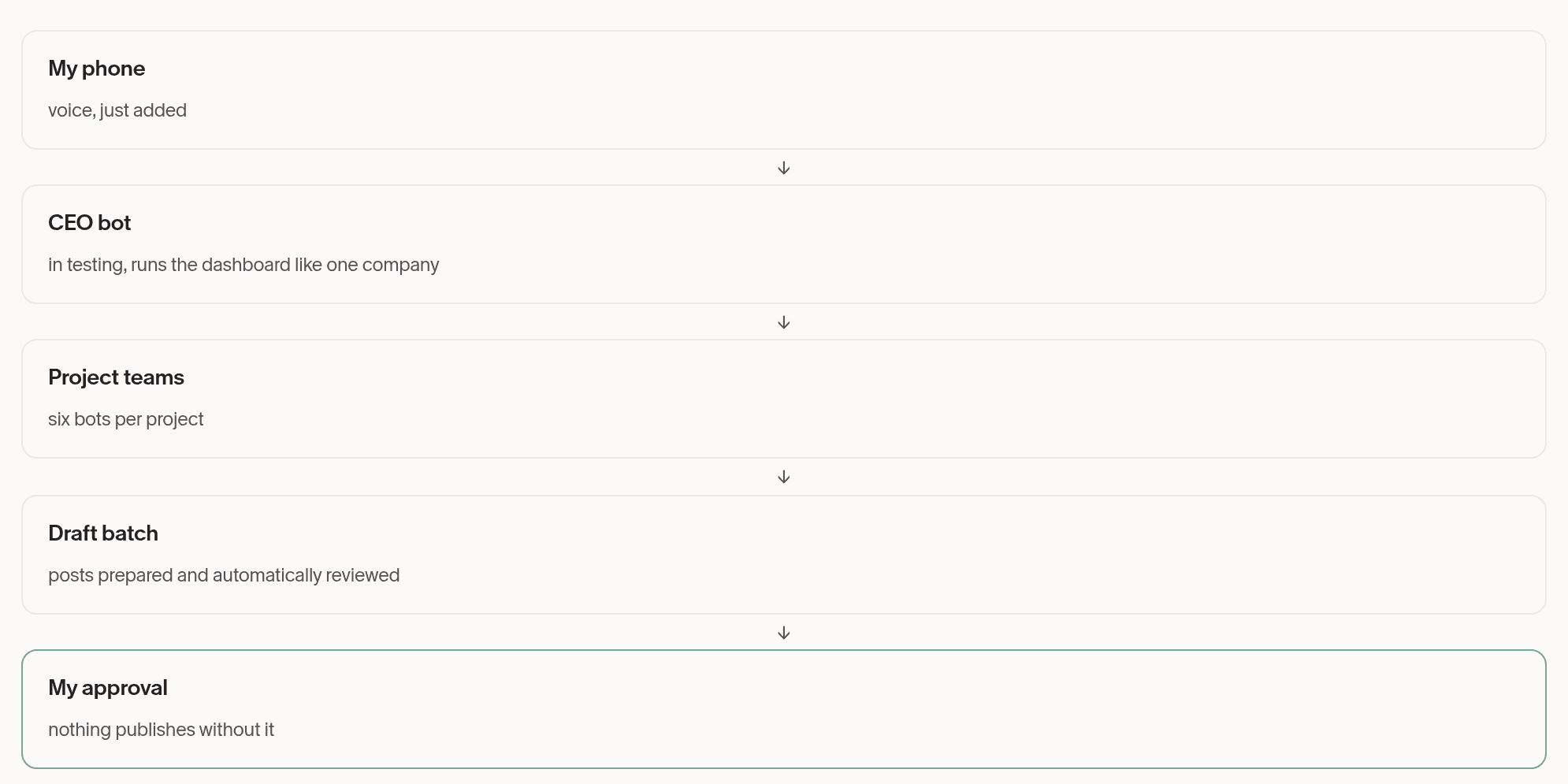
The newest piece is voice. From my phone I can talk to the CEO bot, the bot I am now testing to manage the whole dashboard as one company, and it turns the request into work for the right team.
Working today vs still in testing
Working today:
- Seven reviewed drafts waiting for my approval
- A posting week calendar I approve
- System health on the board
In testing:
- The CEO bot coordinating the teams
- Voice control from my phone
- Workers that run jobs on their own
One system is down this week, the Telegram alerts, and it stays on the board until it is fixed. The dashboard is built to show problems, not hide them.
For Concierge clients
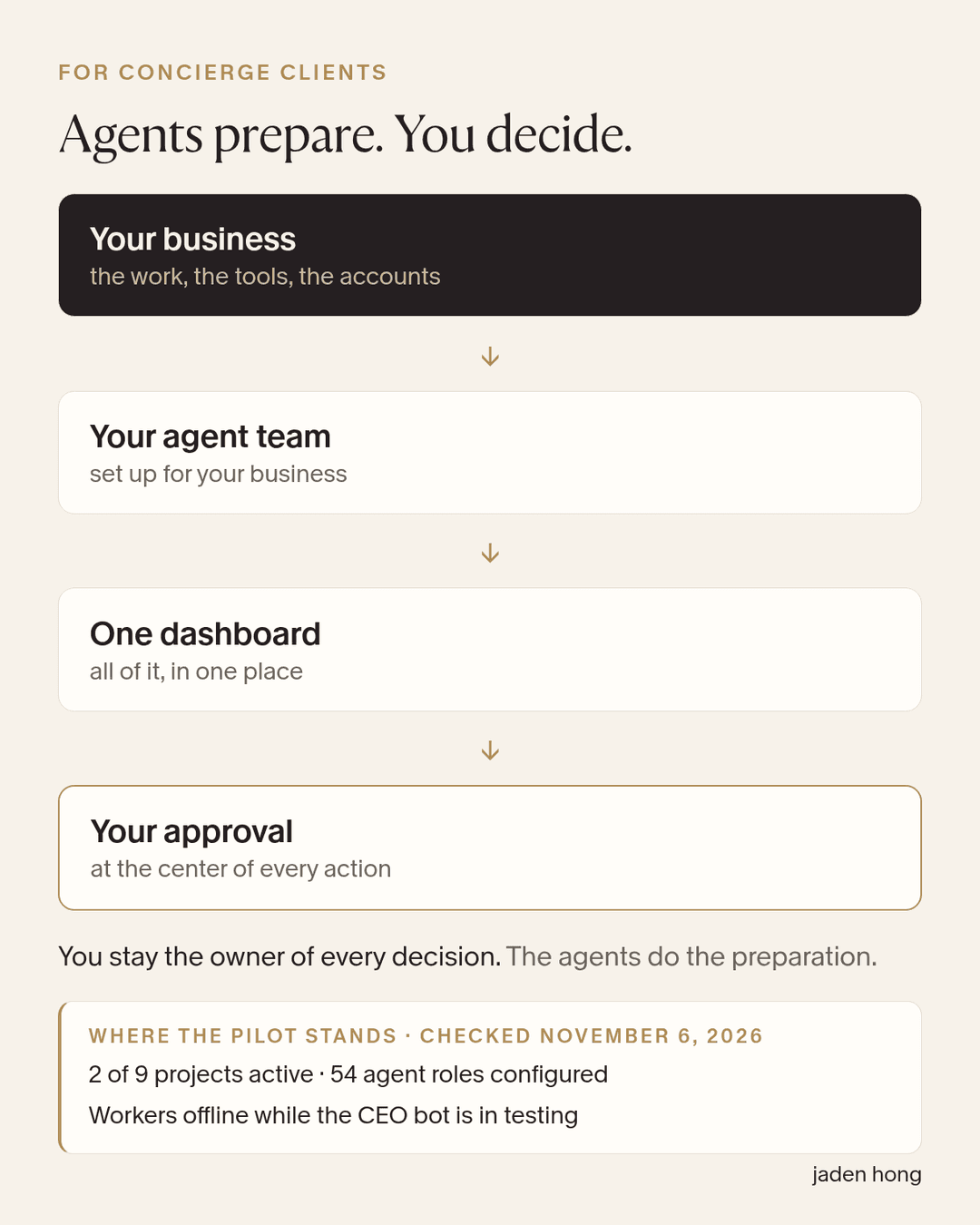
This is what I can configure for Concierge clients: an agent team set up for your business, one dashboard to see all of it, and your approval at the center of every action. You stay the owner of every decision. The agents do the preparation.
Status checked November 6, 2026. Two of nine projects active, 54 agent roles configured, workers offline while the CEO bot is in testing.
Read next
Blog
One dashboard, nine projects: 54 roles configured, one of two workers online (Part 2)
A new design. The same human checkpoint.
Blog
One AI Agent for Each Side of My Life
I am trying Pickle on both of my phones, one personal and one business, with Cue as the comparison. First, what each one actually is.

Blog
MausBot vs Cue, Plus Heyclicky: Five New Names on My AI Stack
MausBot is a free open source home for a whole bot team. Cue gives every agent its own phone, email, wallet and computer. And Heyclicky might be the simplest way to use AI yet. What each one does well, what it costs, and how my Grokbots can move over.