Blog
7 AI Skills Worth a Closer Look
Seven AI tools and skills worth reviewing for real work, with practical use cases and honest limits.

Most people collect AI apps. I collect skills.
An agent without skills is a new hire on day one. Capable, but it does not know how you work. A skill is the training: a small install that teaches it one job properly. This is a review shortlist, not a report of personal tests. These seven earned a closer look this week, ordered the way I would point them at a real business.
1. The interview before the build
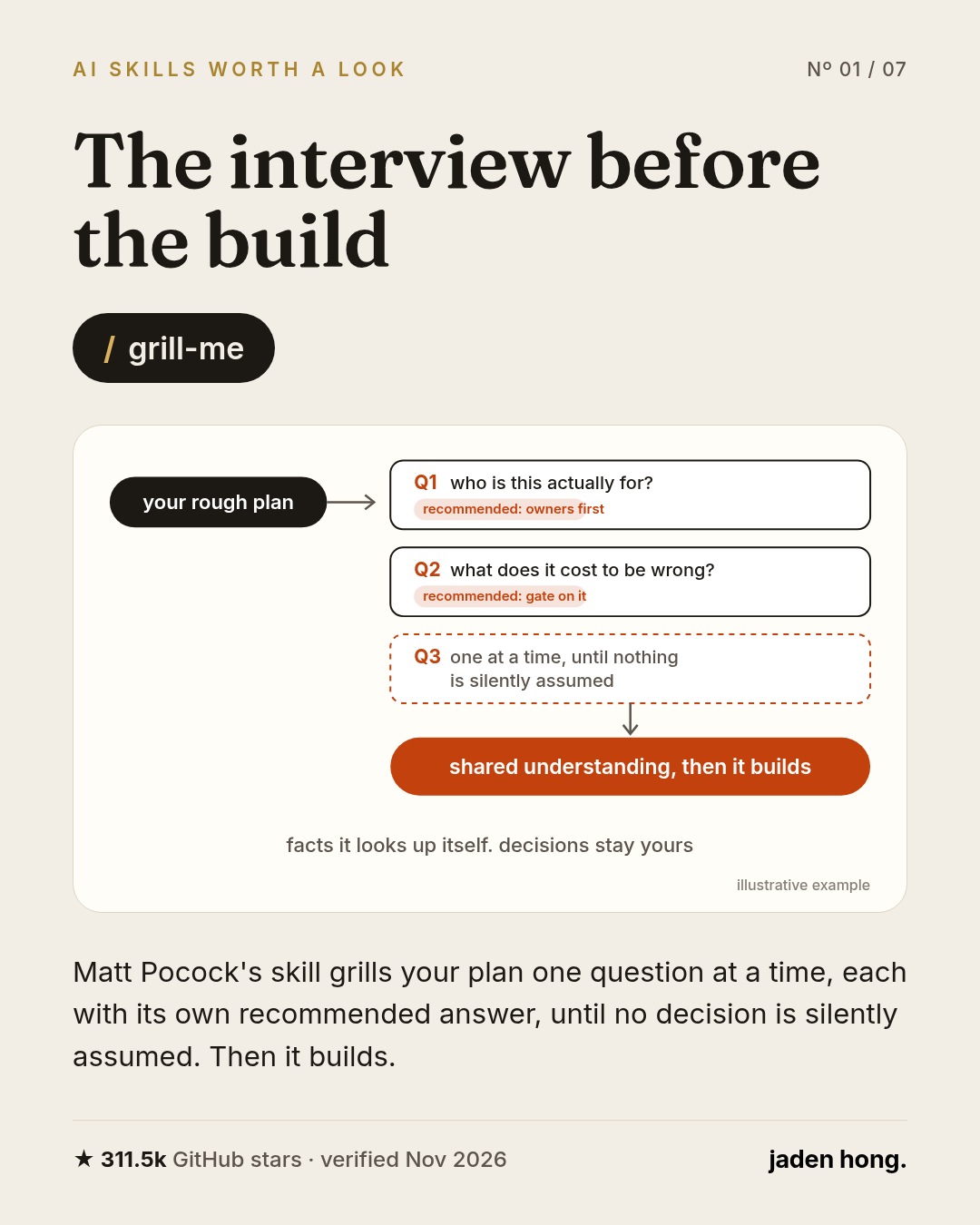
Most wasted hours with an AI agent come from guessing. You describe a feature, it starts building, and you spend the afternoon undoing the parts it assumed. /grill-me flips the order. It interviews you about the plan, one question at a time, each with its own recommended answer, to surface decisions before you start building.
Where it earns its place: any build that touches money or customers. Quote forms, booking flows, checkout. Ten minutes of questions is cheaper than a wrong assumption in front of a customer.
Install, after reviewing the repo: npx skills add mattpocock/skills
2. Search notes by meaning, not filename
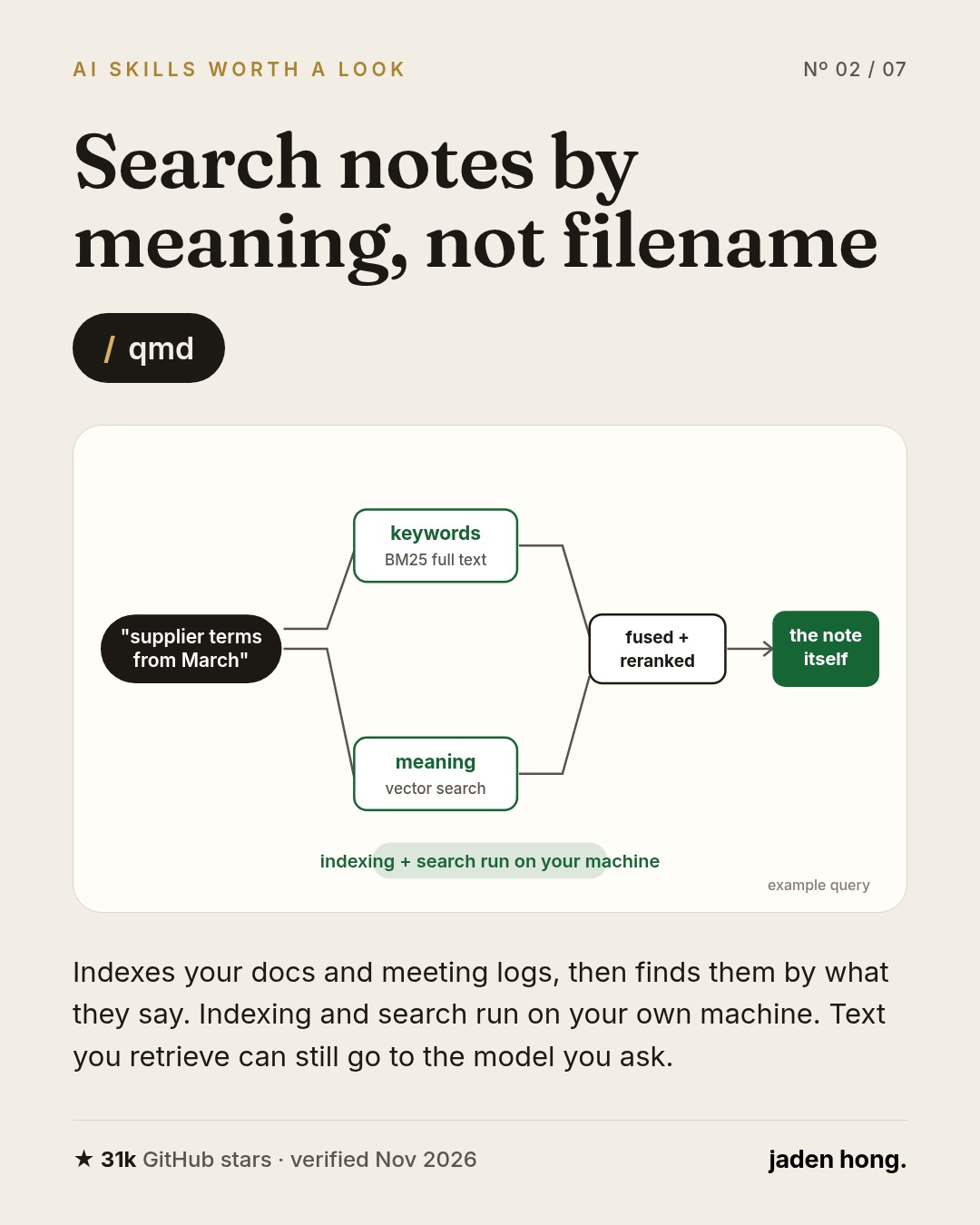
Notes, quotes and meeting logs add up quickly. The useful one is rarely named what you remember. /qmd indexes your docs and finds them by what they say. It combines keyword search, vector search and reranking, with local indexing and search on your own machine. An agent using the results may still send retrieved text to its model, depending on your setup.
Where it earns its place: every "I know I wrote this down somewhere" moment. Supplier terms, an old quote, the clause from a contract discussion. The agent searches the notes directly instead of asking you to paste things in.
Install, after reviewing the repo: npm install -g @tobilu/qmd
3. Demos that look like the shipped app
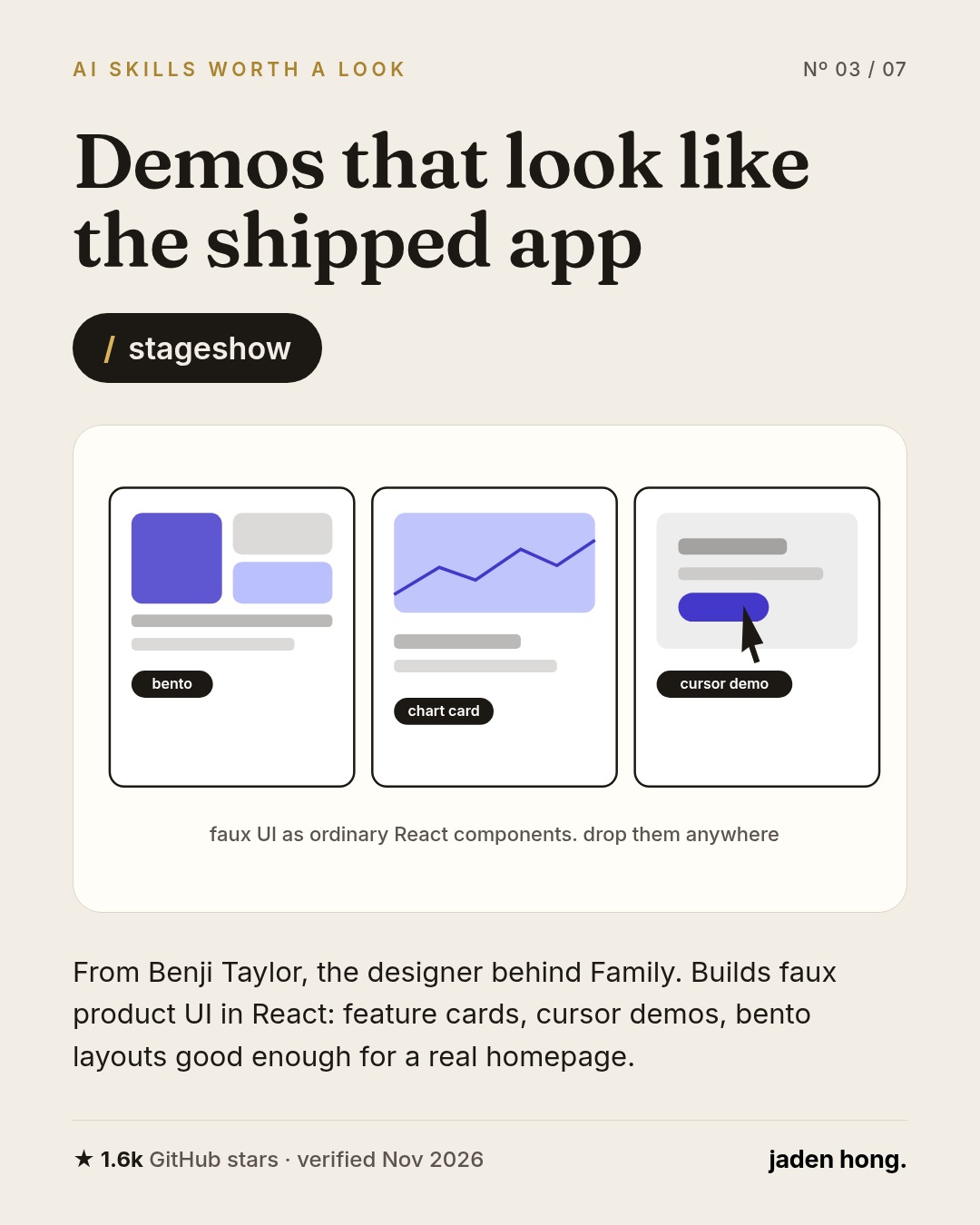
/stageshow comes from Benji Taylor, the designer behind Family. It builds faux product UI in React: feature cards, cursor demos, bento layouts. The kind of looping demo you see on a good landing page, which normally takes a designer hours of small decisions.
Where it earns its place: showing a feature before it exists. A pricing page concept, a booking flow, a dashboard for a proposal. Good enough to put in front of a customer and watch their reaction.
Install, after reviewing the repo: npx skills add benjitaylor/skills --skill stageshow
4. Let an agent drive your desktop
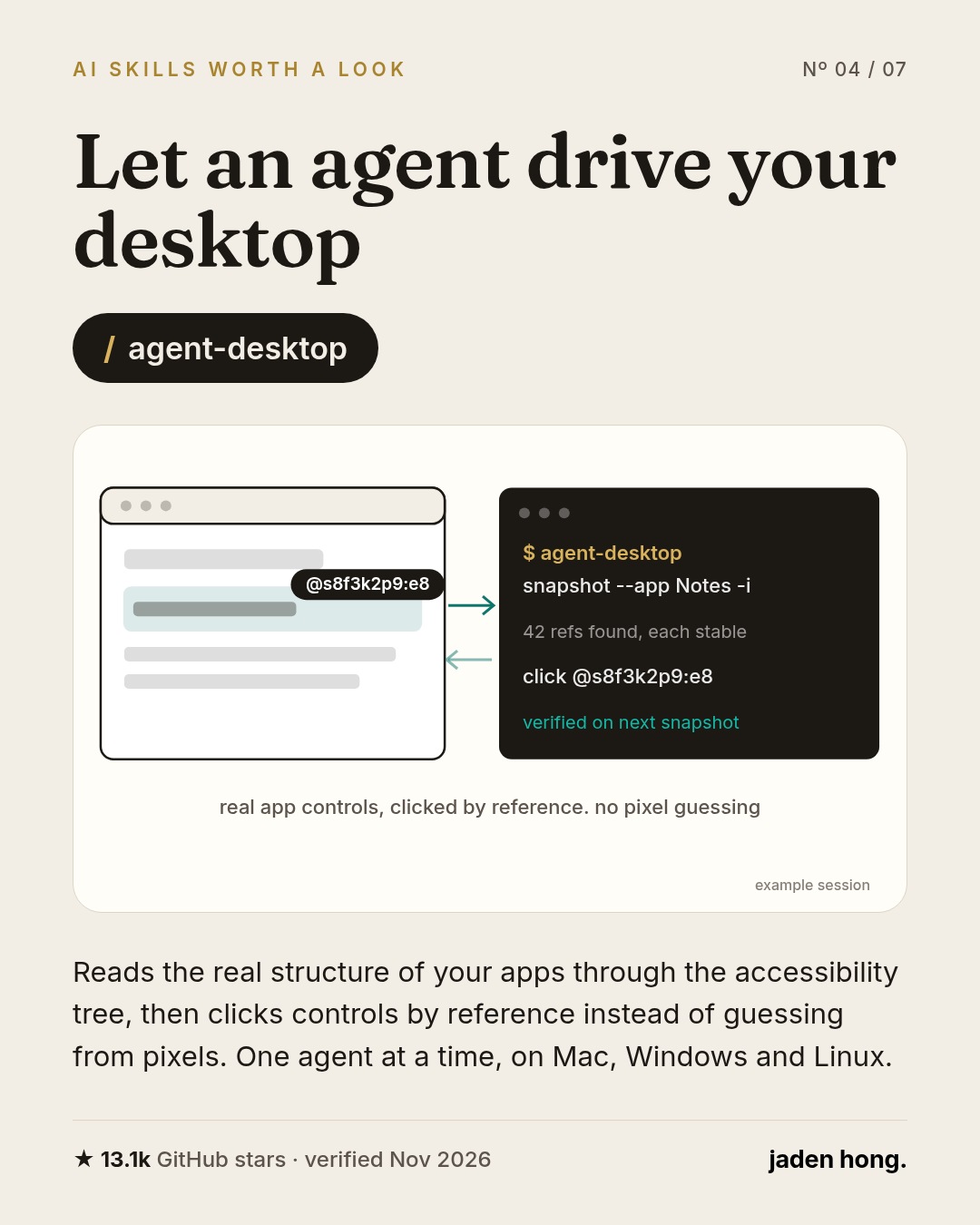
/agent-desktop from Vercel Labs gives an agent computer use without screenshots. It reads the real structure of an app through the accessibility tree, then clicks controls by reference. It works on Mac, Windows and Linux.
One honest note: the demo shows several agents with their own labeled cursors, but the repo documents one agent at a time. Treat the parallel dream as a demo, not a promise.
Where it earns its place: the software that will never get an API. Old inventory tools, accounting screens, the supplier portal from 2009. Accessibility support and app behavior affect what it can do. Supervise it, because it acts on your real screen.
Install, after reviewing the repo: vercel-labs/agent-desktop on GitHub.
5. Take the AI accent out of writing
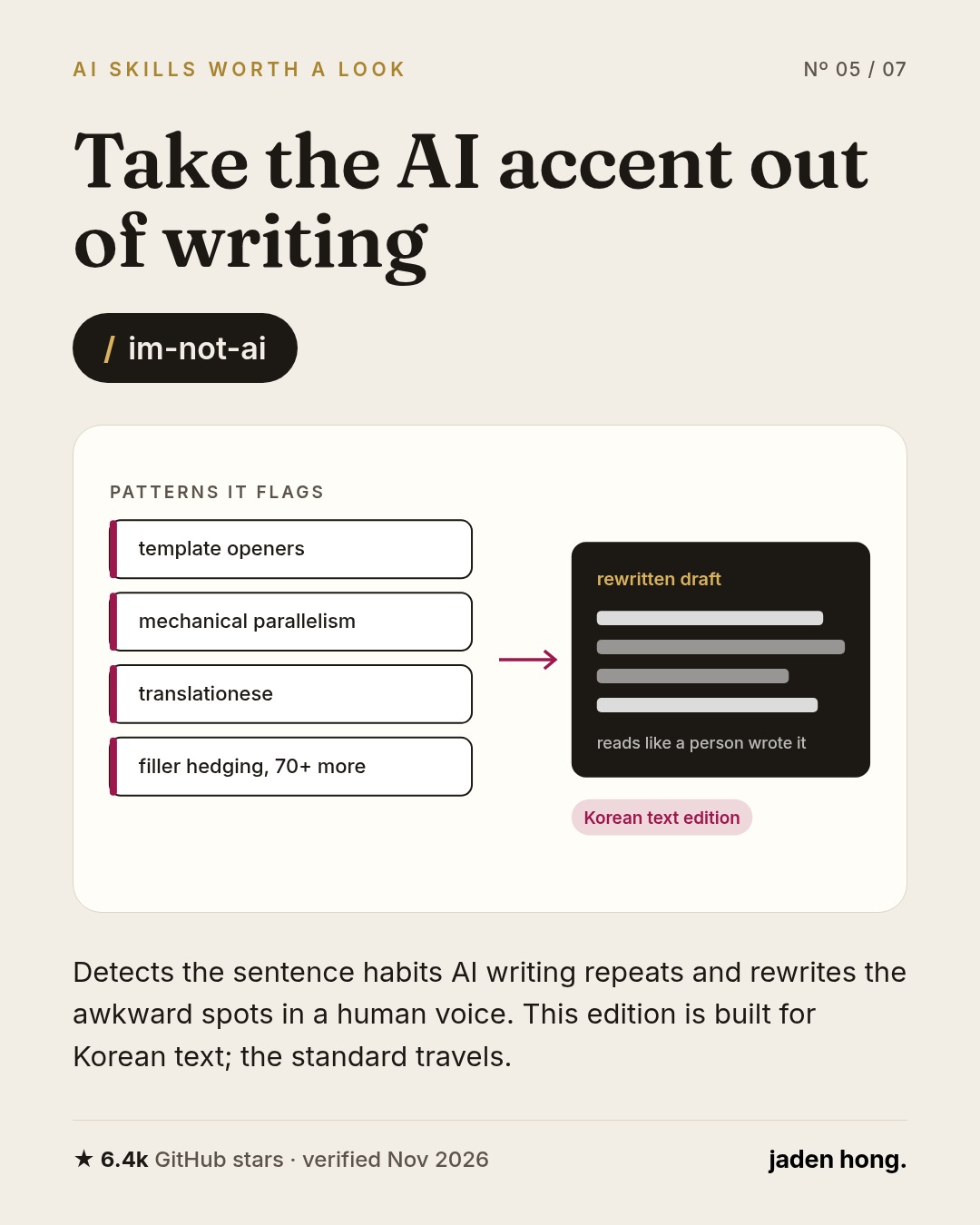
/im-not-ai classifies the sentence habits AI writing repeats, flags the awkward spots and rewrites them in a human voice. One catch: this edition is built for Korean text. For English drafts the standard still stands, and my rule is simpler. If a sentence sounds like a keynote, delete it.
Where it earns its place: anything a customer reads. Quotes, follow up emails, listing copy. The tool catches the pattern; the standard is yours.
Install, after reviewing the repo: Claude skill from epoko77-ai/im-not-ai on GitHub.
6. One command saves almost any video
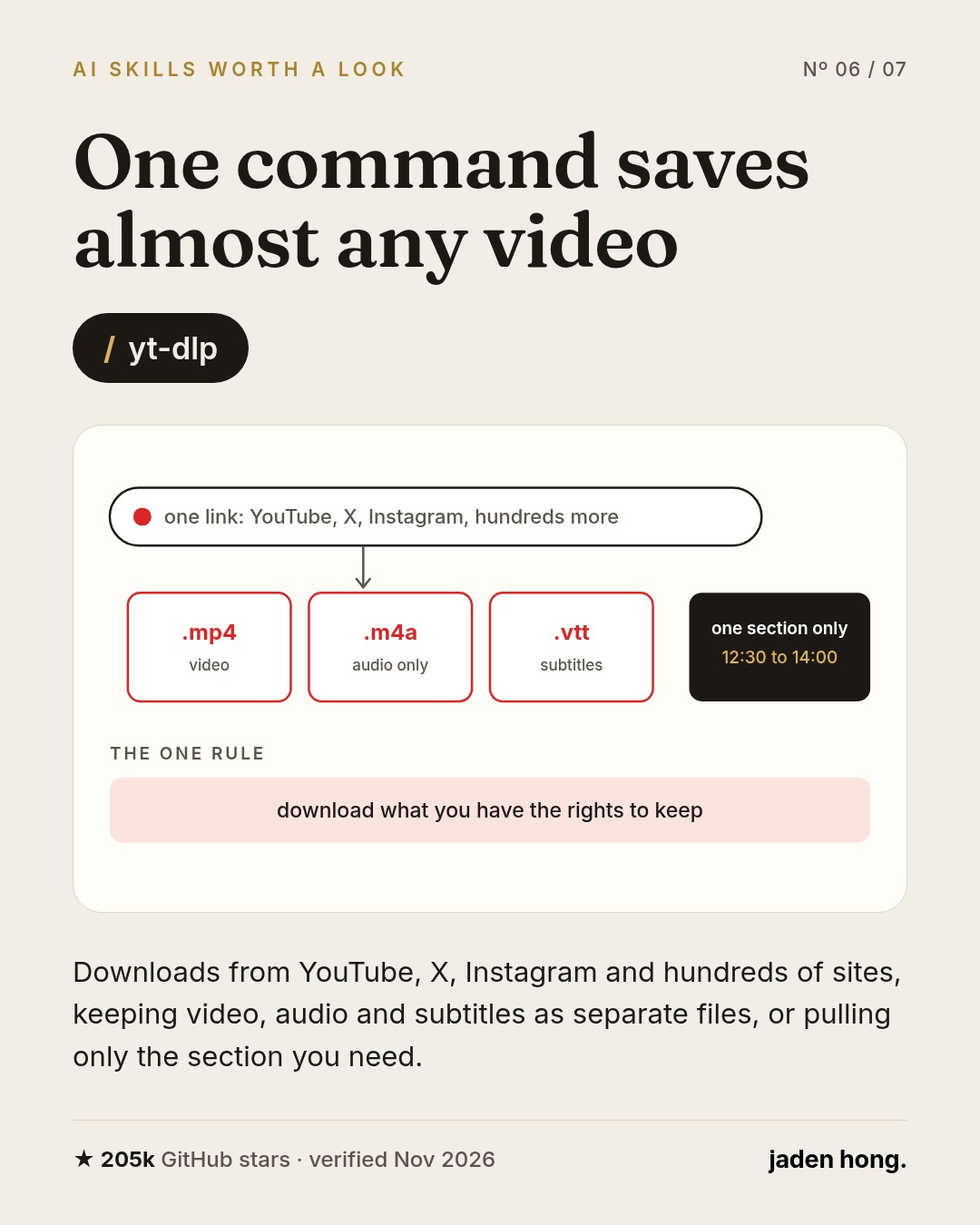
/yt-dlp is the quiet giant of this list. It downloads video from YouTube, X, Instagram and hundreds of other sites, keeps video, audio and subtitles as separate files, and can pull only the section you need.
Where it earns its place: research. Competitor walkthroughs, product demos, training footage your team needs offline. One rule matters here: download what you have the rights to keep. Check the source site's terms as well as your rights to the content.
Install, after reviewing the repo: yt-dlp through your package manager.
7. A scraper that keeps up with redesigns
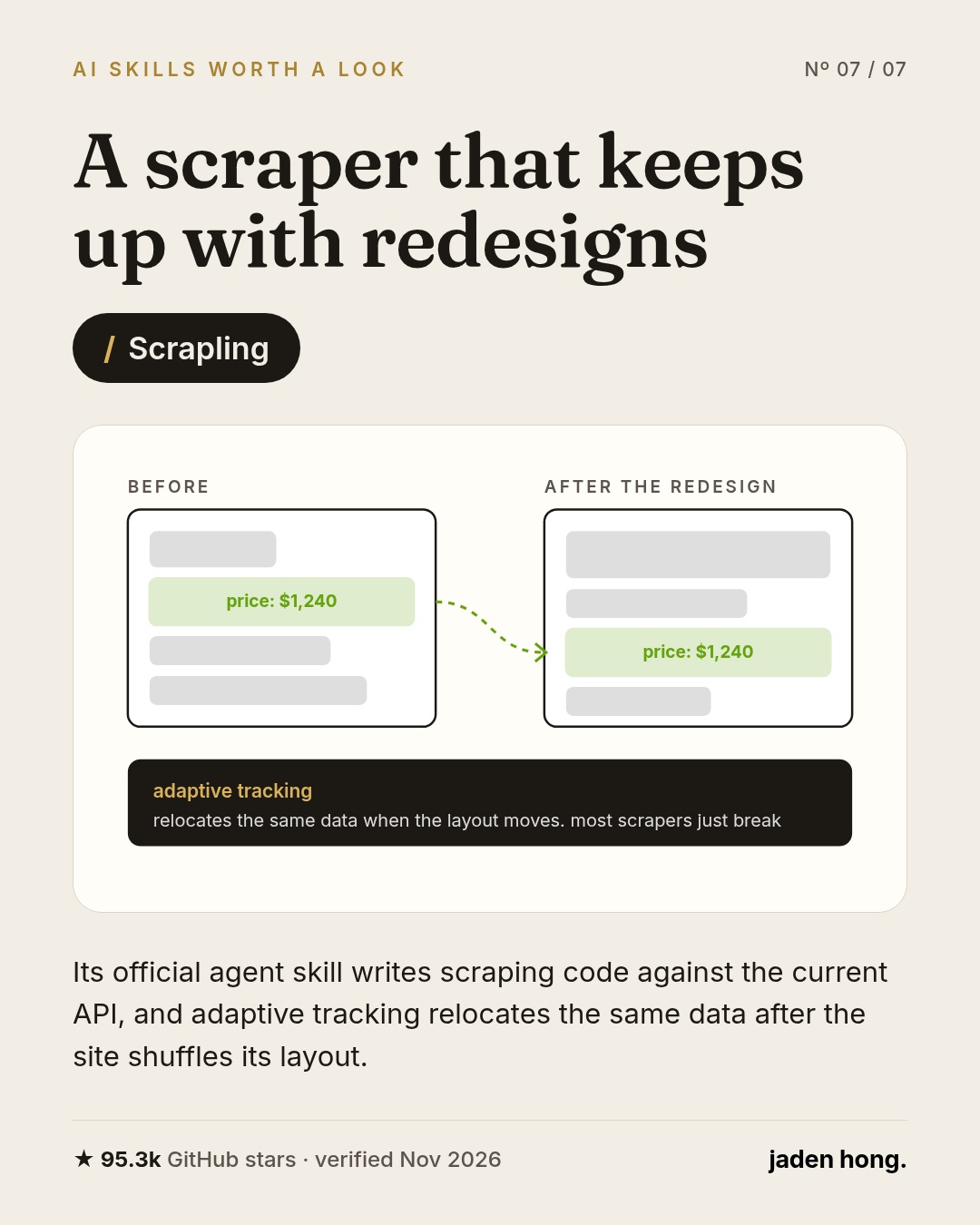
Tell the agent what you want off a site and /Scrapling writes the collector. Its official agent skill keeps the code current with the library, and its adaptive tracking relocates the same data after the site shuffles its layout. Most scrapers just break on a quiet Tuesday redesign.
Where it earns its place: watching supplier prices, tracking listings, keeping a competitor catalog honest. Collect what is public, respect the site's terms, and do not hammer anyone's server.
Install, after reviewing the repo: npx skills add D4Vinci/Scrapling --skill scrapling-official
Before you install anything
A skill runs with your agent's permissions, which can include apps where you are already signed in. Read the repo and the SKILL.md first. A desktop tool acts on your real machine, so watch the first few runs closely. Downloaders and scrapers carry the site's terms with them, and anything that touches an authenticated source deserves extra care. Keep passwords out of prompts, notes and skill files.
Jaden's take
The model is not the product. The skills are. A plain agent with a few good skills will outwork a fancy model with none, the same way a trained hire beats a brilliant stranger.
My advice is boring: pick the one that fits a job you already have. Not all seven. Give it a real week, watch what it does, and keep it only if it earns the spot. Tools do not compound. Habits do.
Read next

Blog
ChatGPT Is Now a Fifth of Google Search, OpenAI Says
OpenAI says ChatGPT now runs one fifth as many searches as Google. What that number actually counts, why it still is not website traffic, and the three checks a small business should run this week.

Blog
Your AI Account Is Now Worth Stealing
Google's incident responders say criminals are hijacking cloud AI access and reselling it, leaving victims with bills above $100,000 in a single day. How the scheme works and how to lock your accounts down.

Blog
One Line in robots.txt Will Soon Tell Major AI Companies: Don't Train Here
Google, Microsoft, OpenAI and Anthropic have agreed to honor a single AI training opt-out in robots.txt. Here is what the shared signal does, what it does not do, and when it actually arrives.